


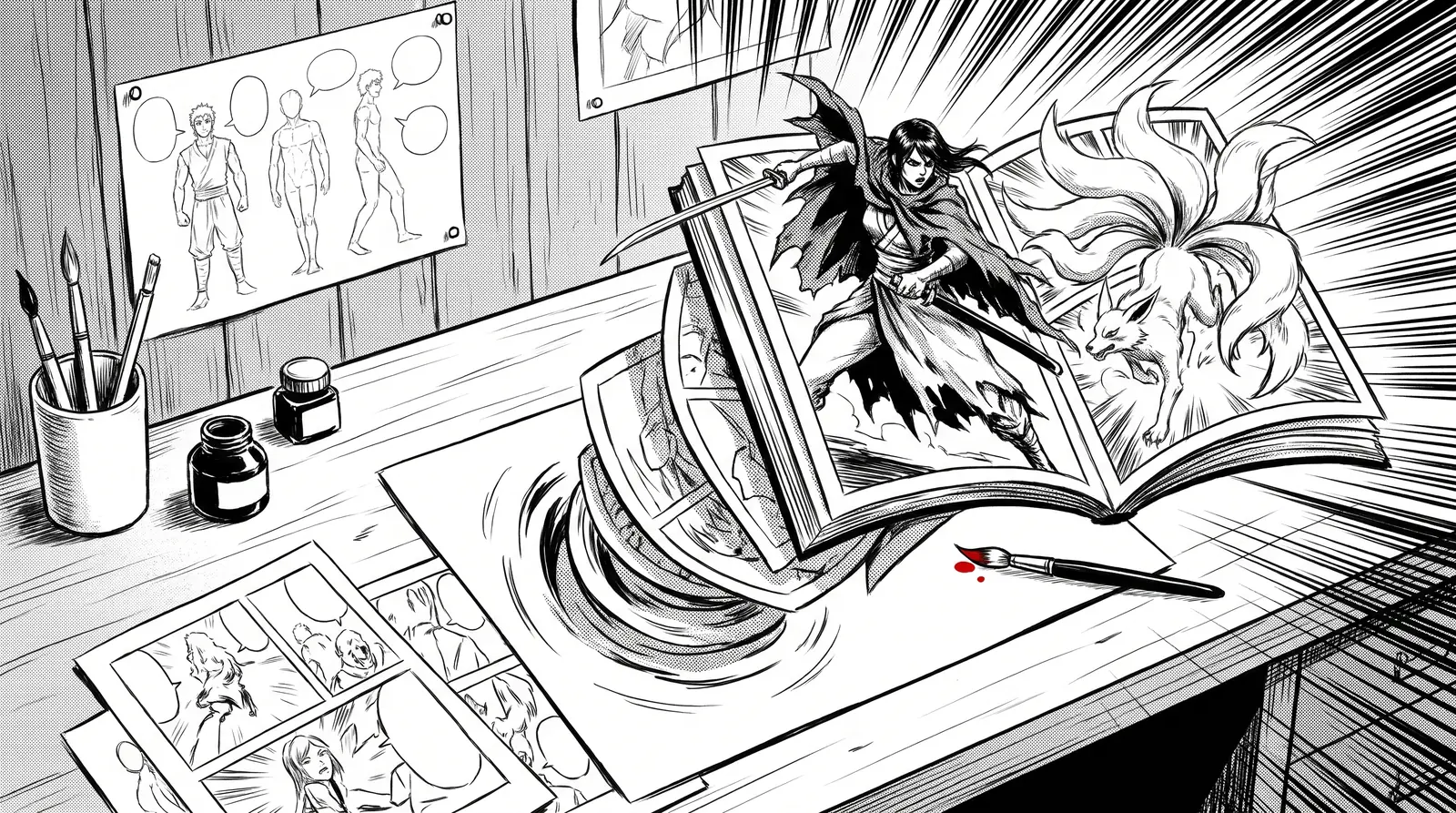
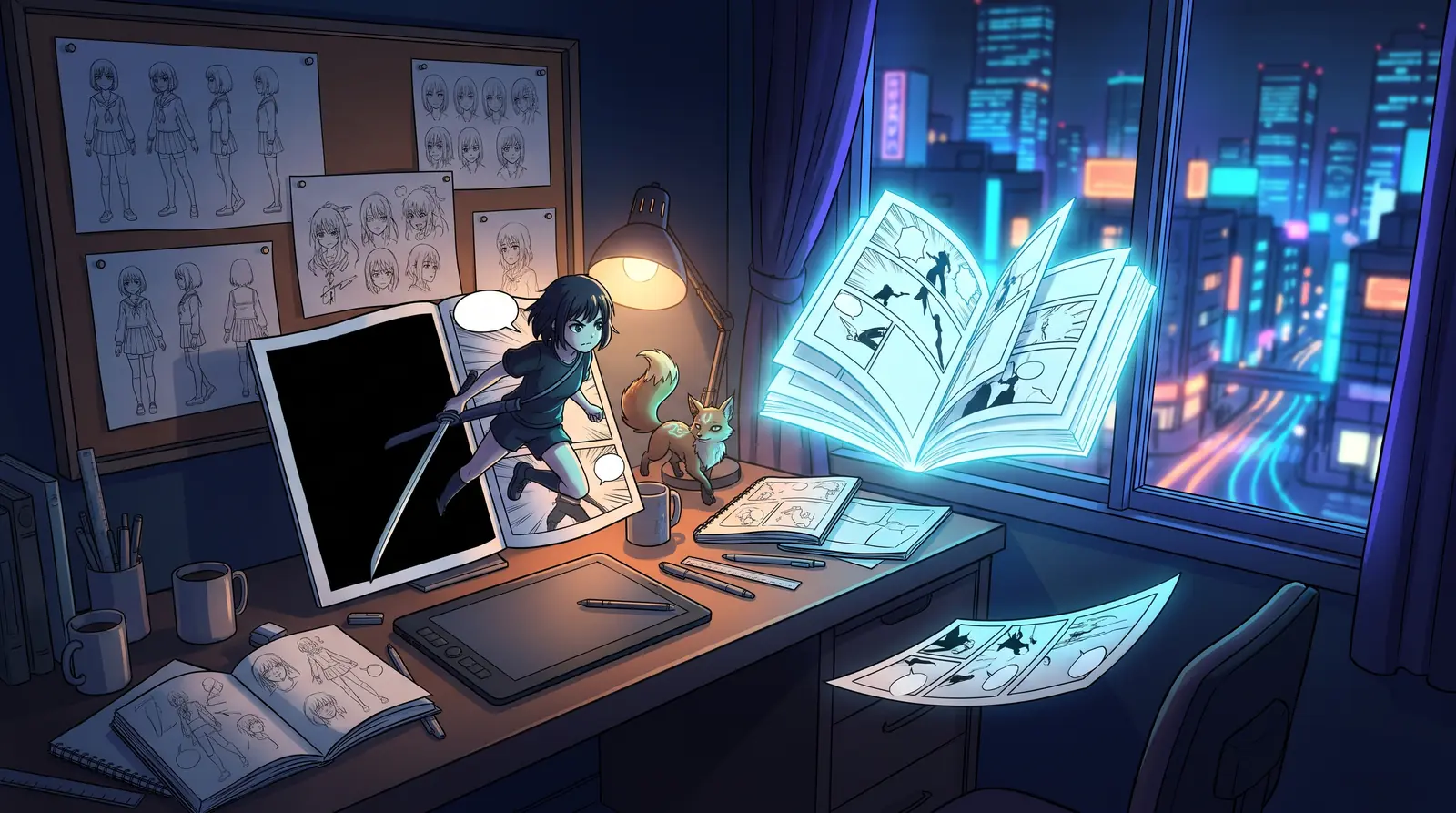

Readers feel a page before they read it. Six small panels feel fast and talky; one huge panel feels like a gasp. Good manga changes the layout with the story, and MangaOra does the same: each page is planned from what happens on it.
The layouts every manga uses
- Establishing page: a wide top panel that shows where we are, then smaller panels for the people in it.
- Conversation grid: 4 to 6 even panels that keep a talk moving.
- Build-up: panels that get taller or closer as tension rises.
- Splash: one panel fills the page for the moment readers will remember.
- Quiet beat: a small silent panel, a breath before or after something big.
How MangaOra plans your pages
When your chapter script is written, each panel gets a beat (a reveal, a reaction, an action) and a frame size. Big beats start a new page or get more room; small ones share. Before a page is drawn, Studio shows its layout as a pencil rough, so you can see the rhythm of the whole chapter at a glance.
Change the panels on a page
Tap the page and pick Edit panels in the pen (or open the chapter in Script + pages).
Give a big moment room by cutting the small panels around it, or add a quiet beat before it. Fewer panels means bigger panels.
Redraw the page. Pages that were already drawn never move by themselves.
Webtoon and comic layouts
Webtoons are one tall scrolling strip, so the plan uses space between panels as timing: a long gap is a pause. Western comics read left to right with a steadier grid. Pick the format when you start a book; see manga vs webtoon vs comic.
Questions people ask
How many panels should a manga page have?
Most pages have 3 to 6. Action and big emotions use fewer, larger panels; conversations use more.
What is a splash page?
A page given to a single panel, used for the biggest moments: a reveal, an entrance, a cliffhanger.