


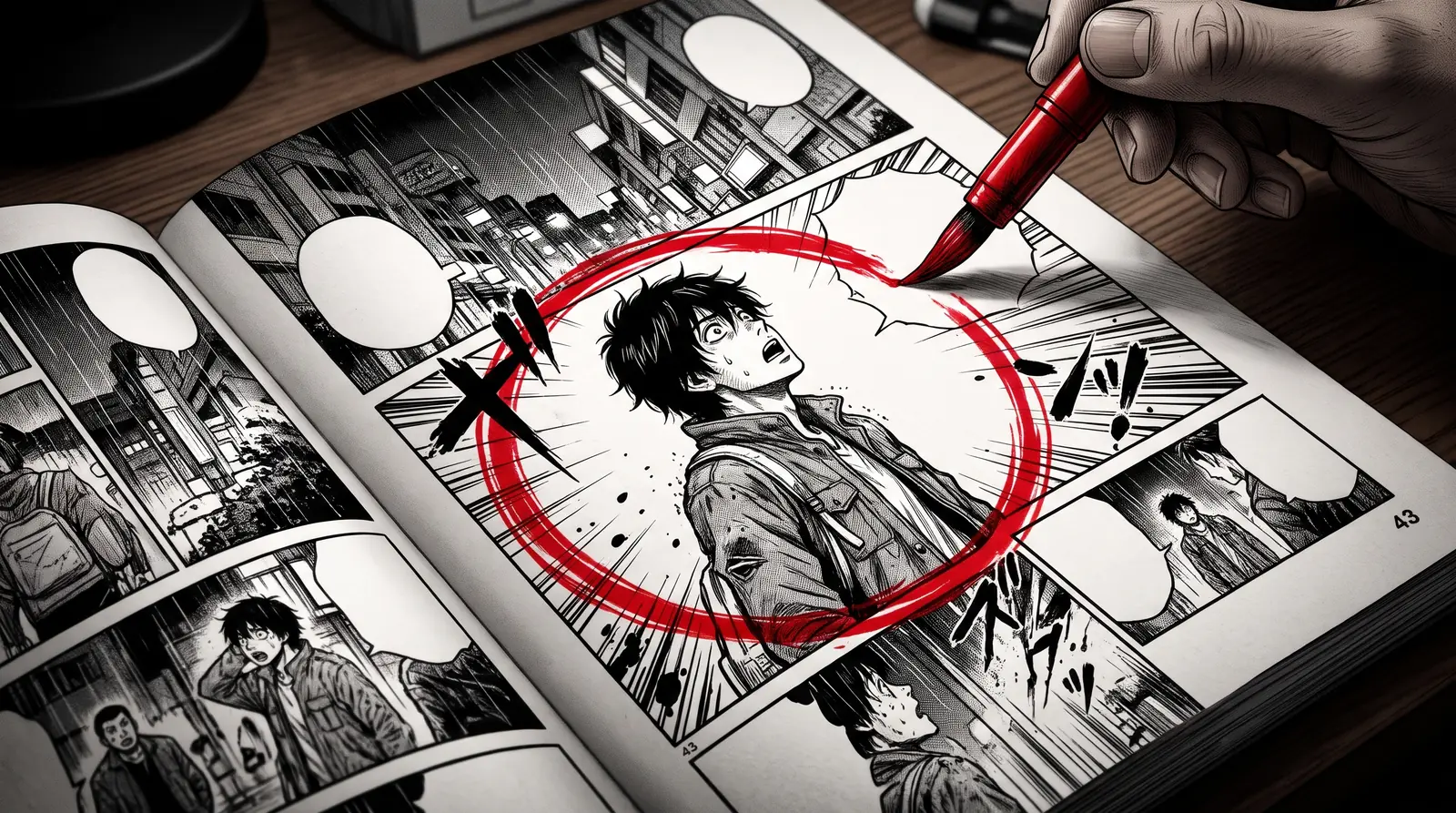
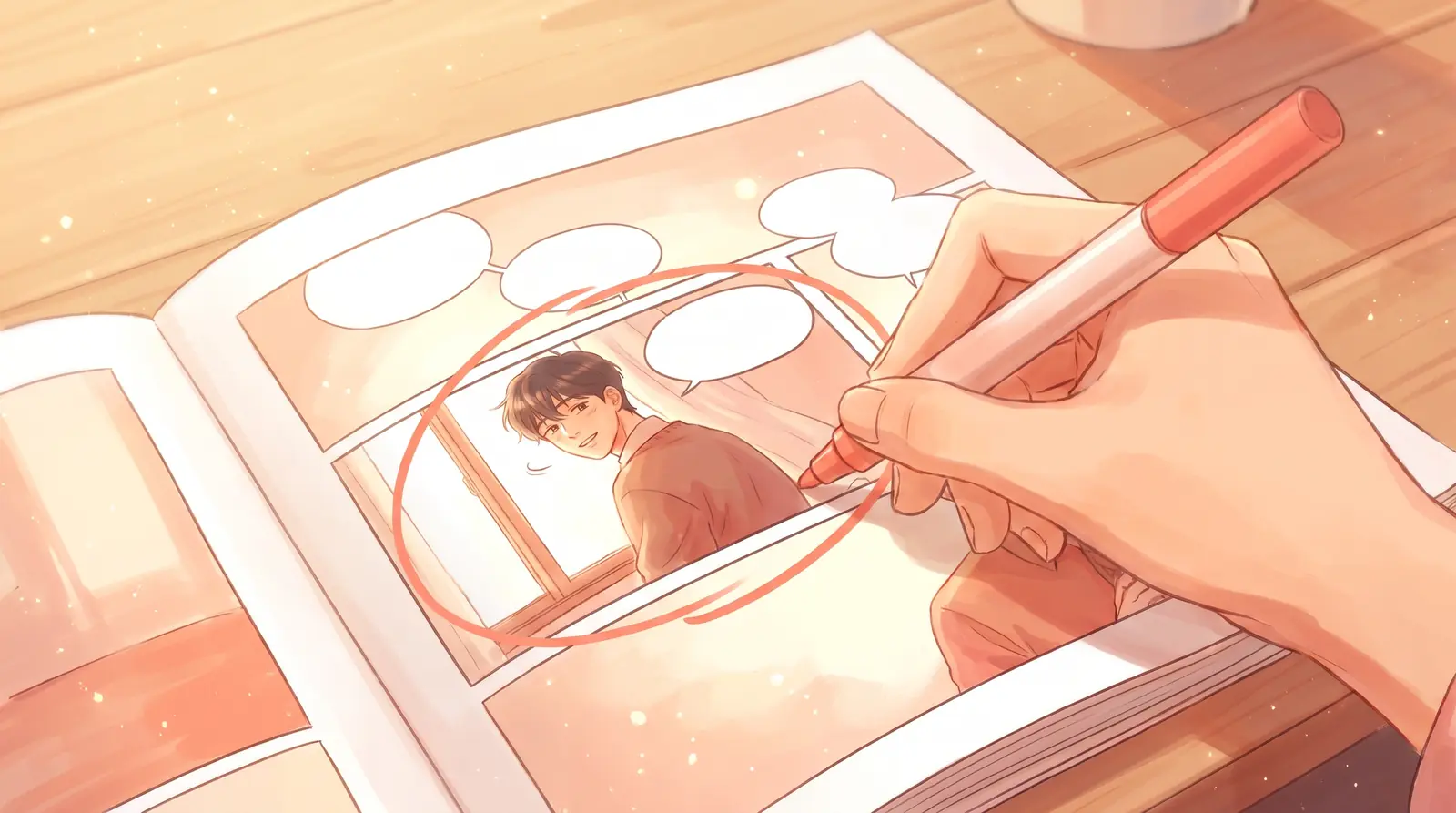
The page is almost perfect, except for one thing: a clock with no hands, a line of dialogue you want to change, a sleeve in the wrong colour. You should not have to redraw the whole page for that. Mark and fix changes only the spot you circle.
How to use it
Tap the page to open the pen.
Circle what is wrong, right on the page. Circle more than one thing if you like.
Say what you want in your own words: "her hands should be empty", "make this line: Hurry, Rin!", "the clock needs hands at 4:15".
Press fix. The page shows how it will fix each mark before anything is spent.
Compare before and after, then keep it or go back.
Three kinds of fix, chosen for you
You can always pick the route yourself if you prefer.
- Words in a speech bubble or caption go to the words editor. Free.
- The page not following your script (a wrong face, the wrong speaker, someone missing or extra) becomes a Script Match, included with paid plans.
- Anything else in the drawing redraws only the circled spot for 1 credit, and later pages of the scene remember it.
Fix one spot: draw a box yourself
Prefer precise control? Fix one spot lets you drag a box over one part of the page and describe the change. Only that box is redrawn and blended in; the rest of the page, and its speech bubbles, stay exactly as they were.
Your editor reads every page
After pages are drawn, your editor reads them against the script and circles anything that looks off in red pen, like an extra hand or a missing prop. Tap a note to fix it in one go, or wave it away.
Every version is kept
Every fix keeps the version before it. Open History in the pen to go back to any earlier version of the page.
Questions people ask
Does Mark and fix redraw the whole page?
No. Words are changed in place, and a drawing fix redraws only the circled spot. Only a Script Match redraws the whole page, because the page did not follow your script.
How much does it cost?
Changing words is free. Redrawing one spot costs 1 credit. Script Match redraws are included with paid plans.
Can I undo a fix?
Yes. Compare before and after and go back, or open History later to restore any earlier version.