
AI comic maker
An AI comic maker that turns your story into comic book pages
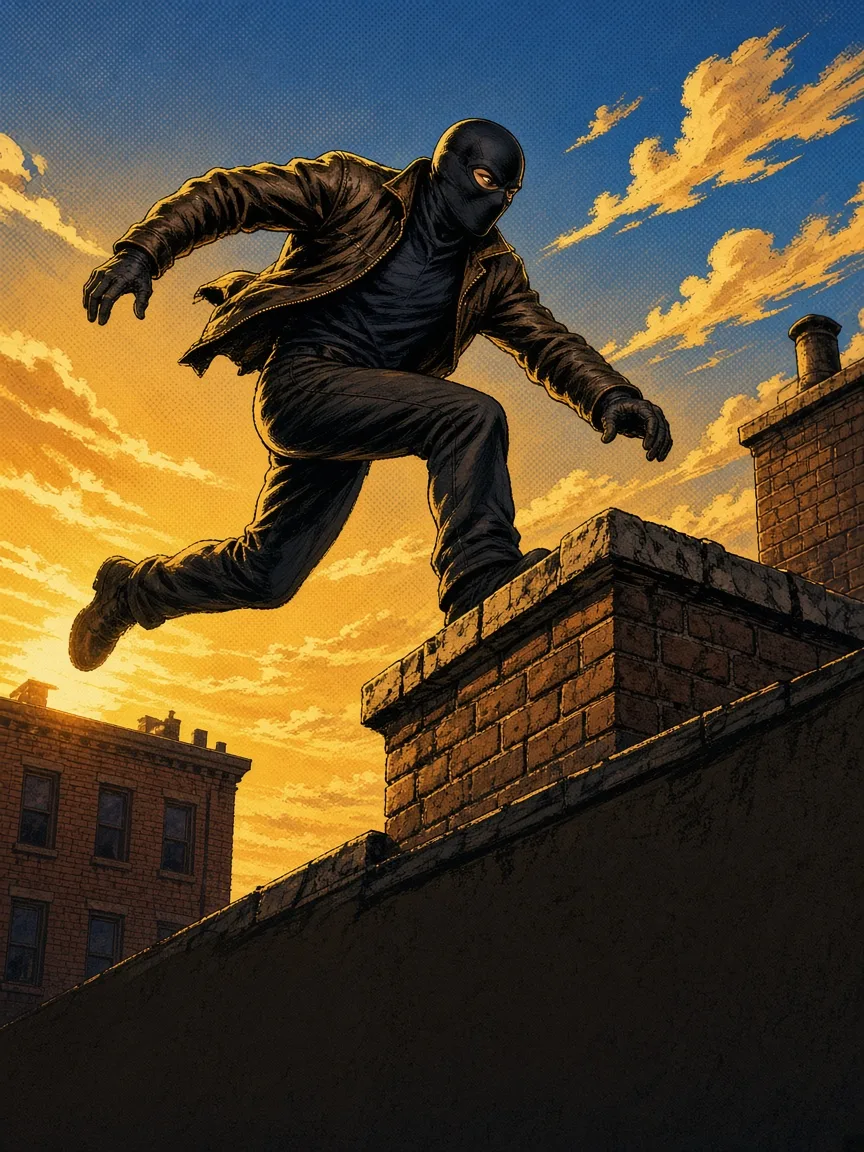
Choose the comic format and MangaOra creates full-color American-style comic pages from your script—multiple panels per page, captions and speech bubbles, and heroes who look the same from cover to last page.
Free plan · 10 free image credits · No credit card
HOW IT WORKS
- 01
Start a comic book
Pick the comic format and describe your premise. Studio sets up title, cast, and chapters.
- 02
Design your heroes
Generate color character sheets so costumes, logos, and faces stay consistent.
- 03
Write the issue
Edit a panel-by-panel script with captions and dialogue, shot by shot.
- 04
Generate, then print or share
Generate comic pages, add a cover, and export a PDF or share a read link.
WHAT YOU GET
Classic comic look
Bold inks and saturated color in a classic comic book page layout.
Captions and balloons
Narration goes into caption boxes and dialogue into speech balloons, straight from your script.
AI-generated covers
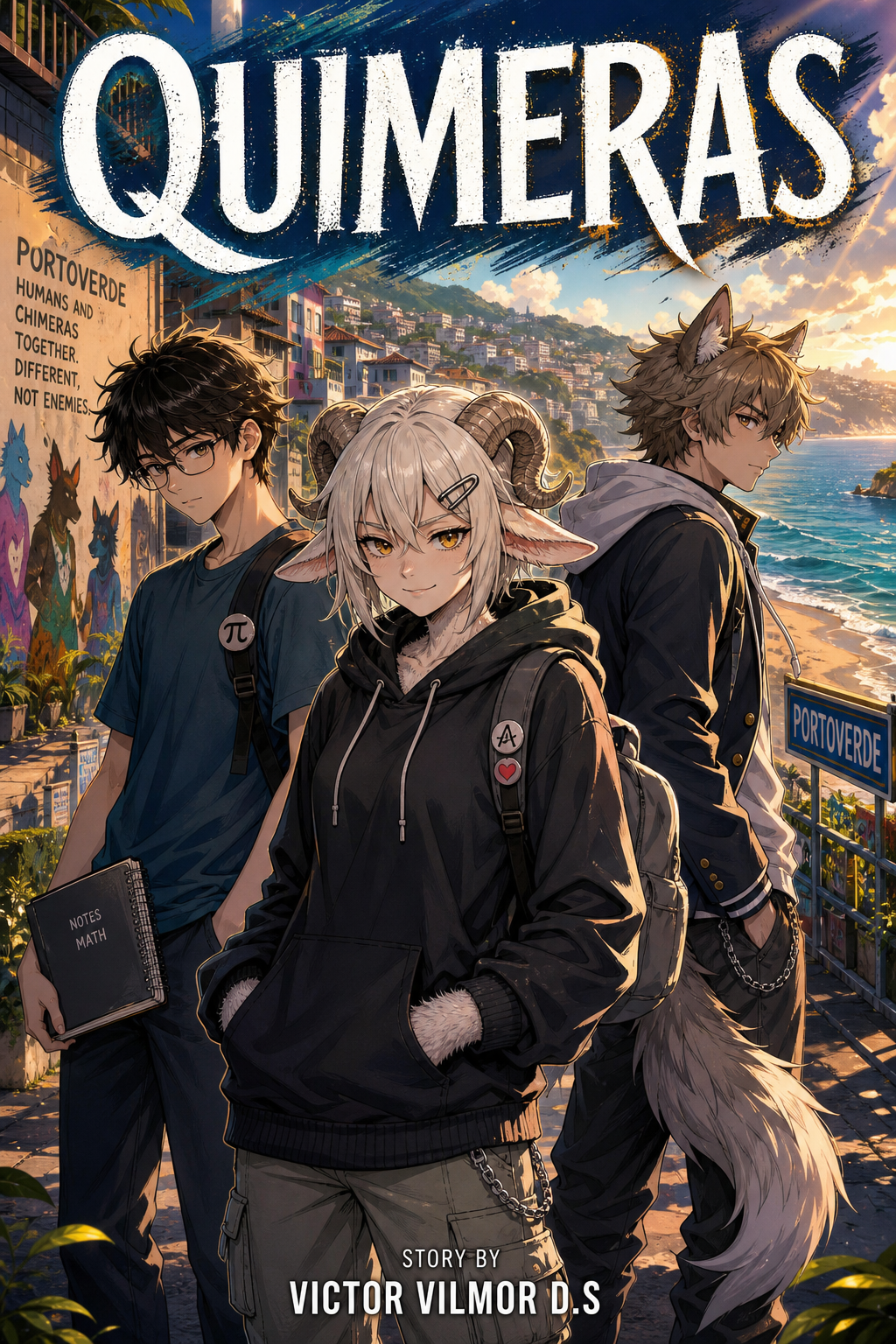
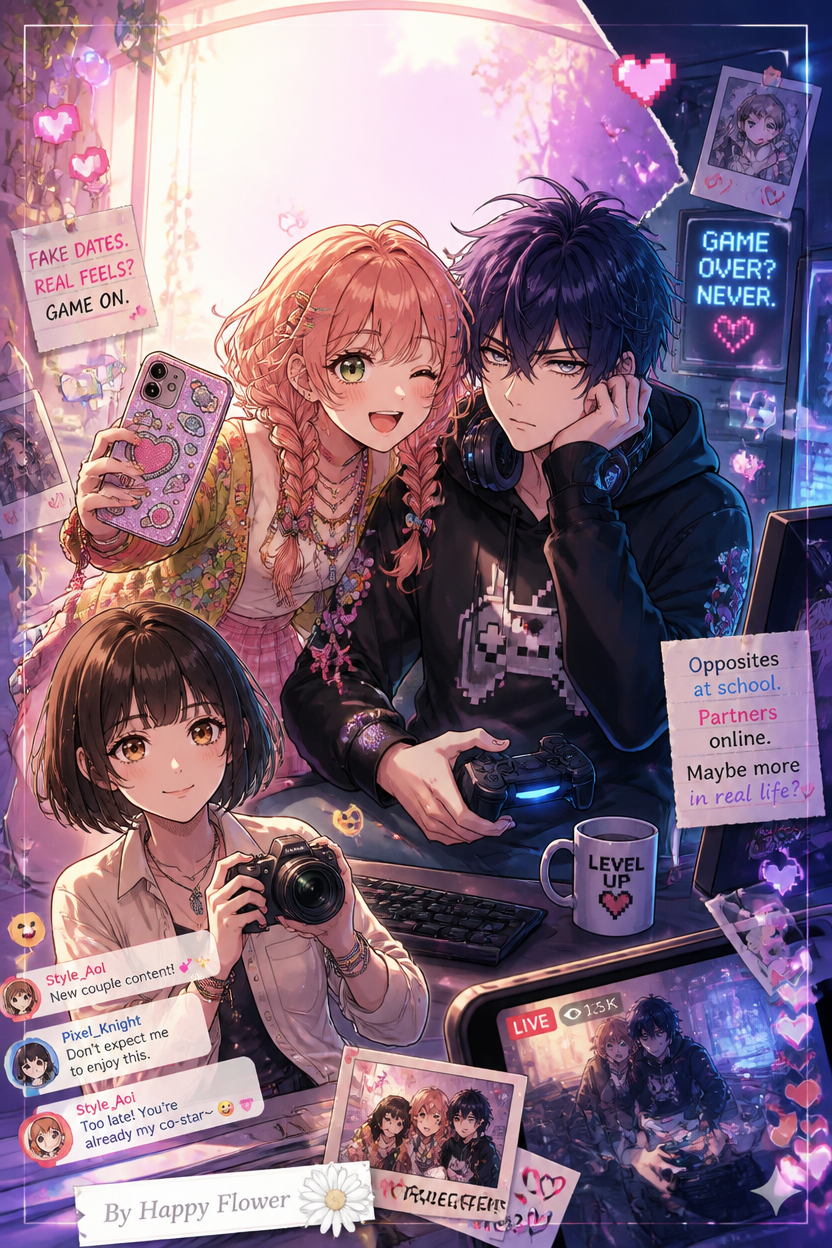
Generate a book cover and chapter openers that feature your cast.
Beginner friendly
No layout software needed—Studio handles panels, lettering, and page order.
Consistent costumes
Character sheets and Key items keep suits, emblems, and gear the same on every page.
Clean PDF export
Paid plans export PDFs with no watermark. Check your printer’s size and resolution needs before ordering copies.
From idea to issue without a drawing table
Comics are a team sport—writer, penciller, inker, colorist, letterer. MangaOra puts that pipeline in one place: you write and direct, and the AI handles pencils, color, and lettering from your script. Change a line and regenerate one page; the rest of the issue stays put.
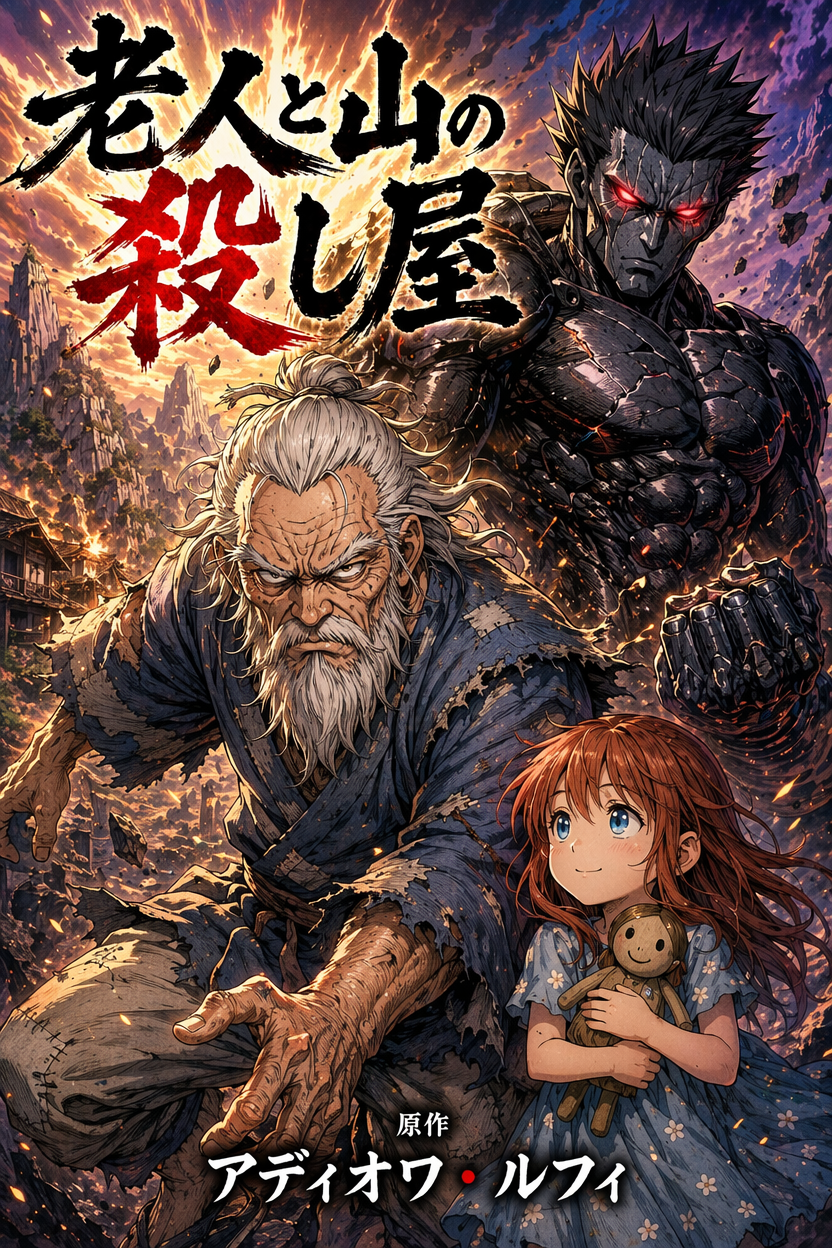
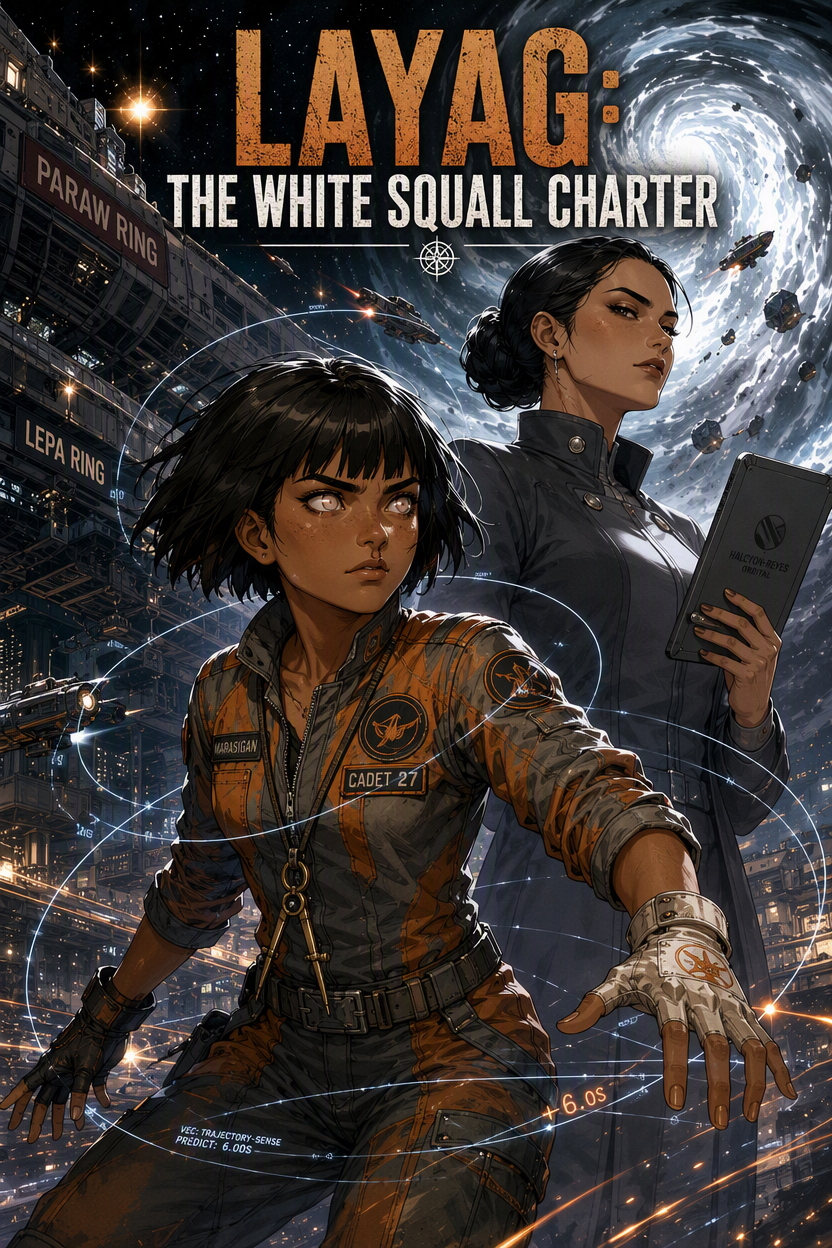
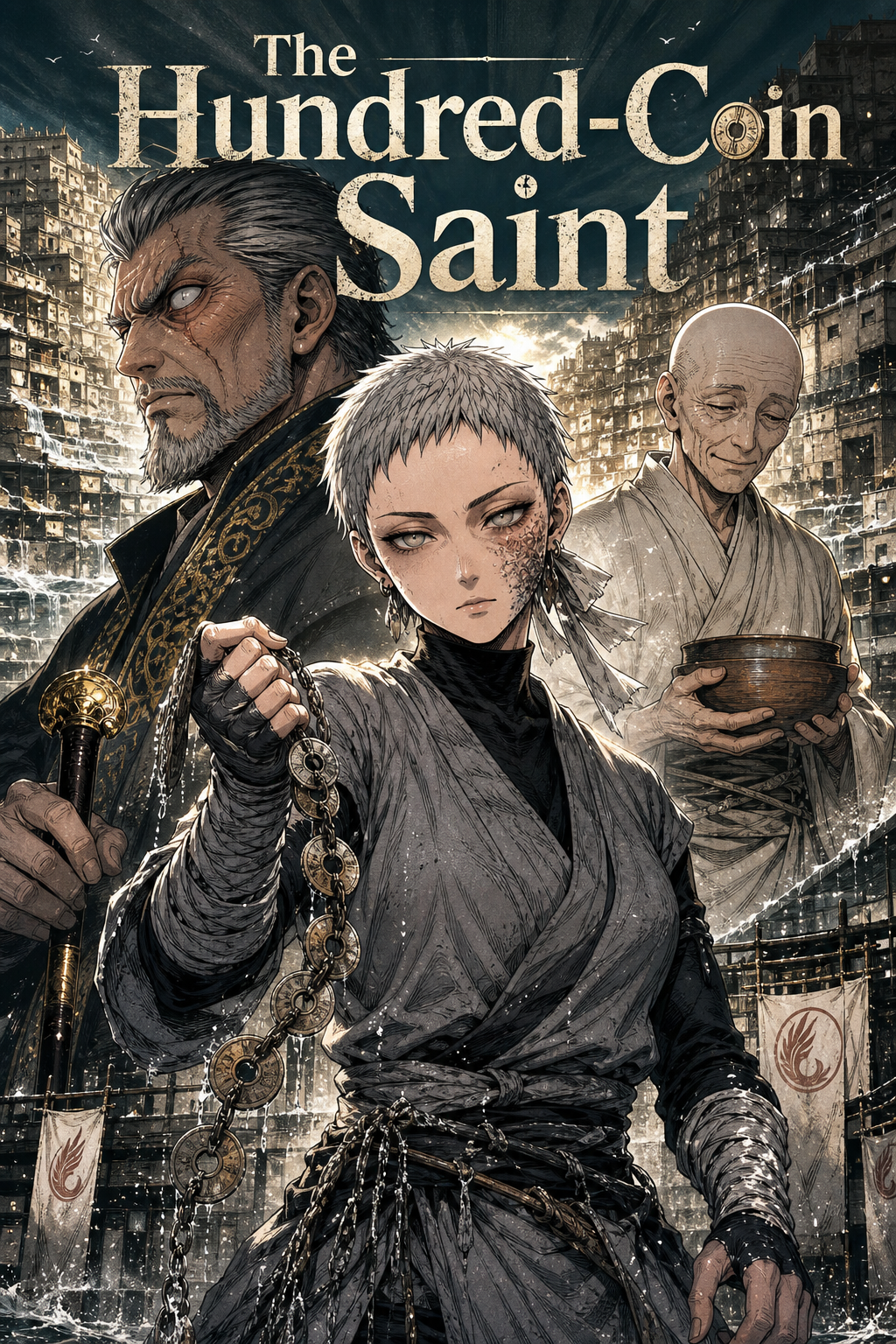
FREQUENTLY ASKED QUESTIONS
Is there a free AI comic maker plan?+
Yes. The free plan includes 10 image credits to start and one Studio book with one chapter and up to eight illustrated pages, so you can make real pages before deciding to upgrade. Free exports include a small MangaOra watermark. No credit card is needed to sign up.
Can I print my comic?+
Yes. Export a PDF of your pages. Paid plans export clean, print-ready files; check your printer’s size and resolution requirements before ordering.
Can I make black-and-white comics?+
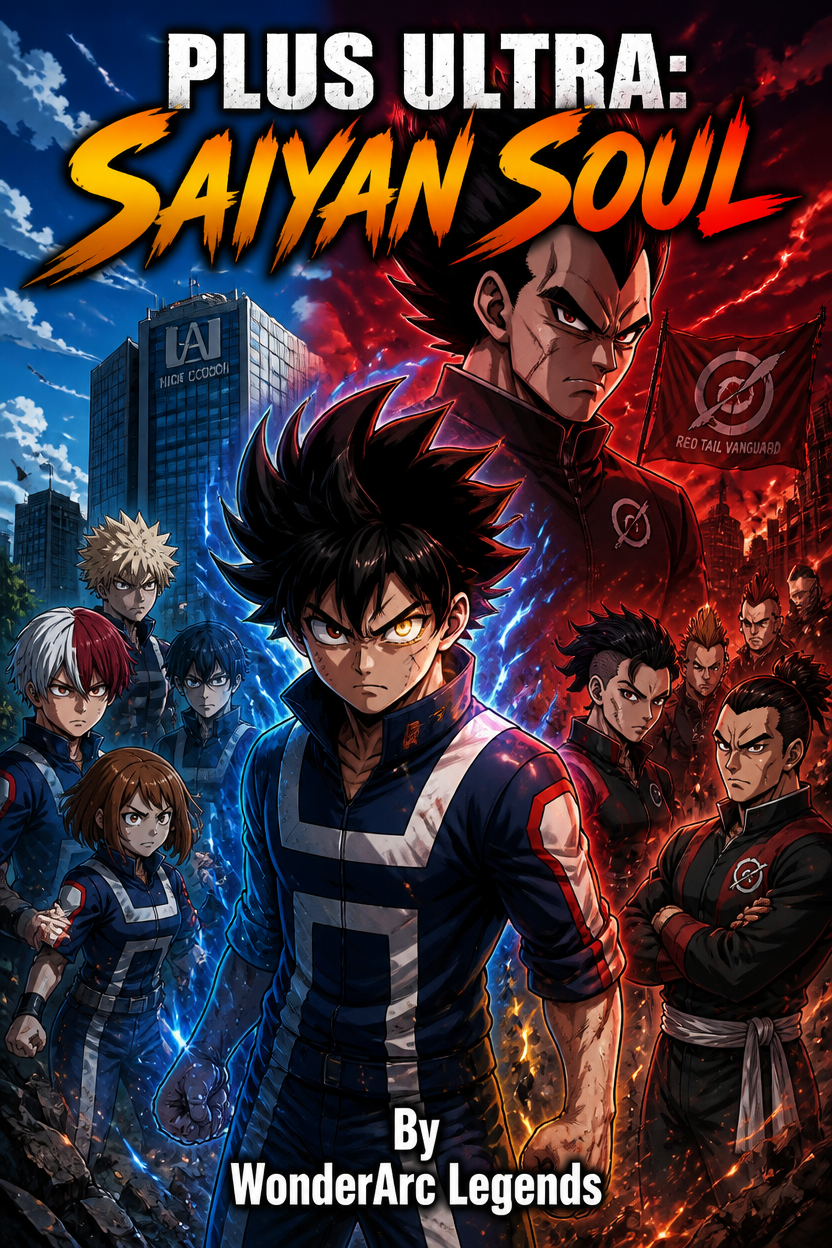
Choose the manga format for black-and-white pages with screentone-style shading, or the comic format for full color.
GUIDES TO GET YOU STARTED
AI Comic Maker for Beginners: Create Comics Without Drawing Every Panel
A beginner-friendly guide to using an AI comic maker for characters, panels, scripts, covers, and page generation without needing advanced drawing skills.
Export Your Manga
How to export your manga as a PDF or a ZIP of page images, choose which pages to include, and share a public read link.
Writing Great Panel Prompts
Tips for describing scenes so the AI generates exactly what you want: shot types, mood, action, and clarity.
YOUR STORY, ON THE PAGE
Start free with one Studio book and 10 image credits. Upgrade when you're ready for unlimited books and clean exports.