Interactive Product Tour

See the full MangaOra creation flow before you sign up

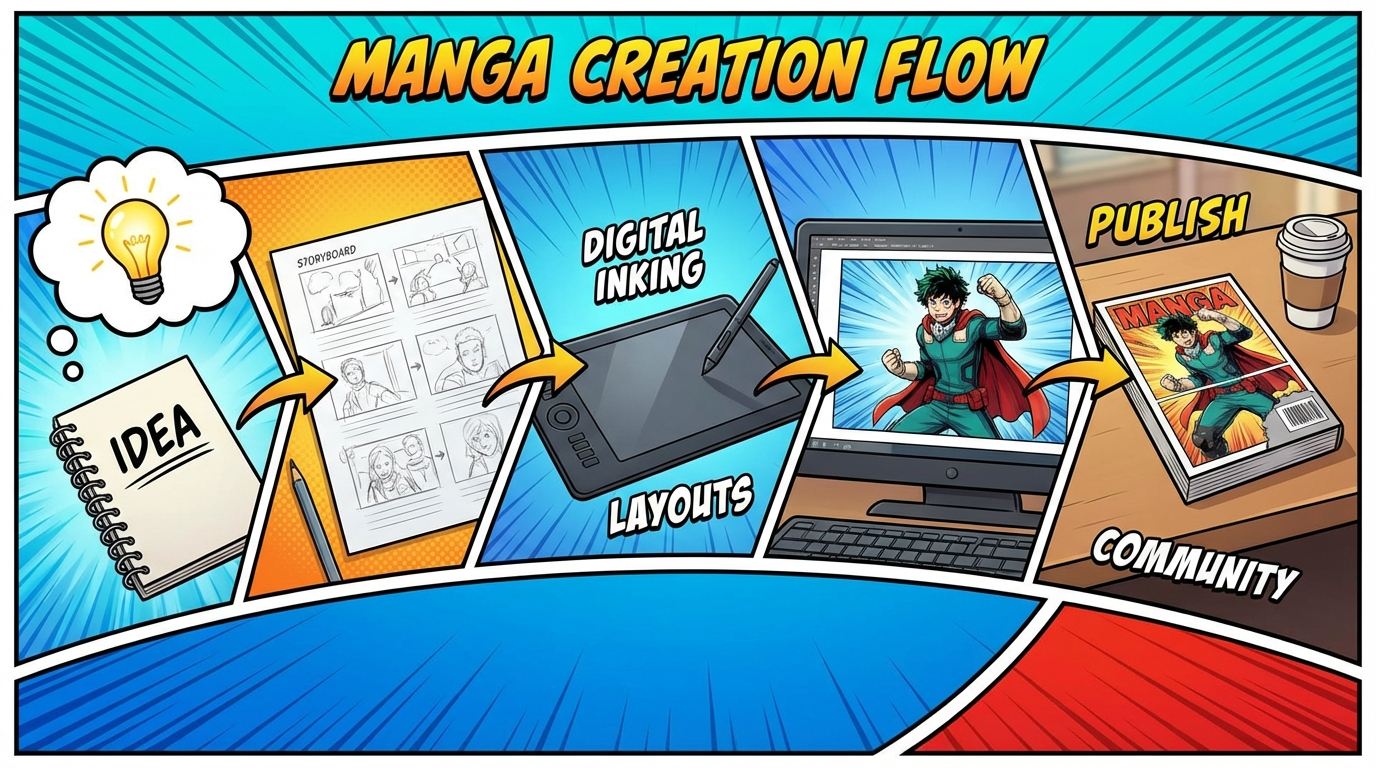
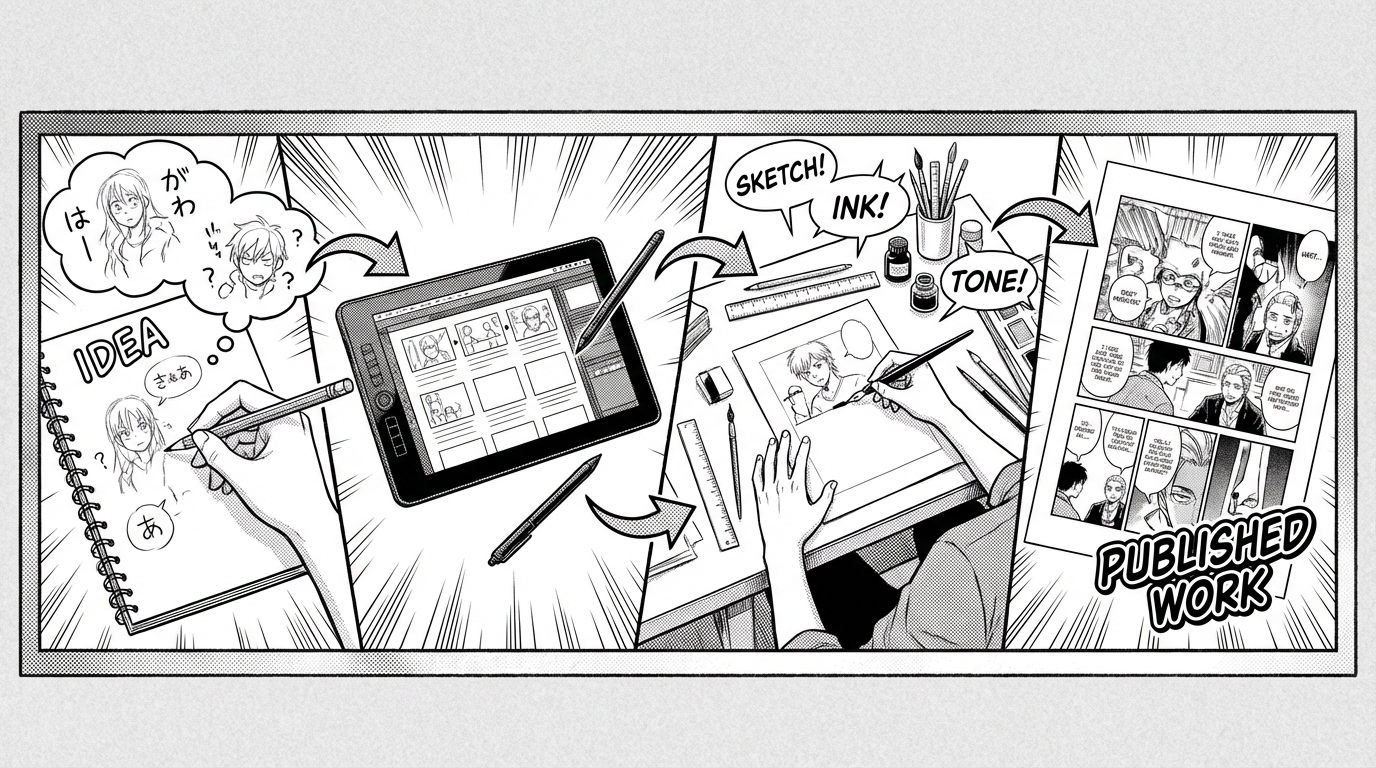
This demo shows how users can upload story content, receive AI guidance, confirm character and panel recommendations, and still choose manual control at every step. No account required—see and feel the workflow below, then create an account when you're ready.

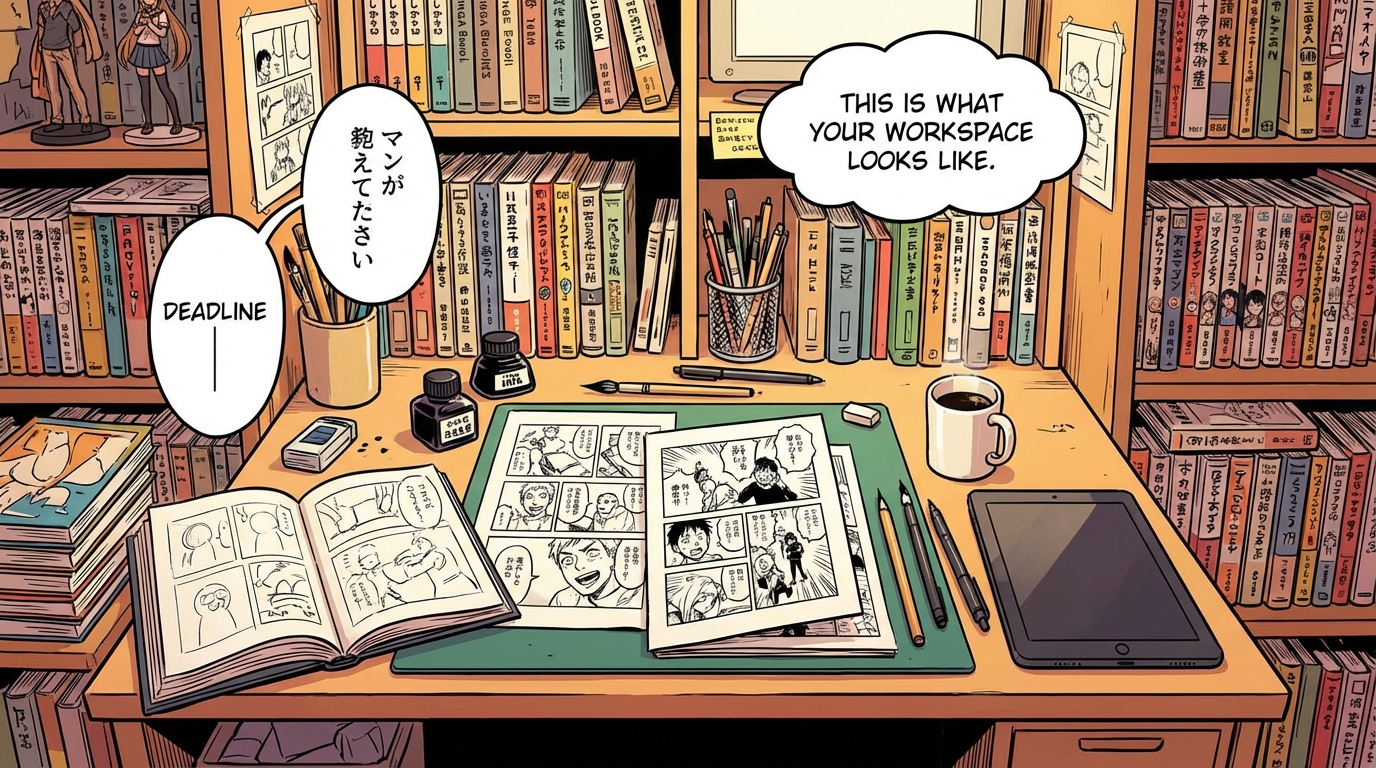
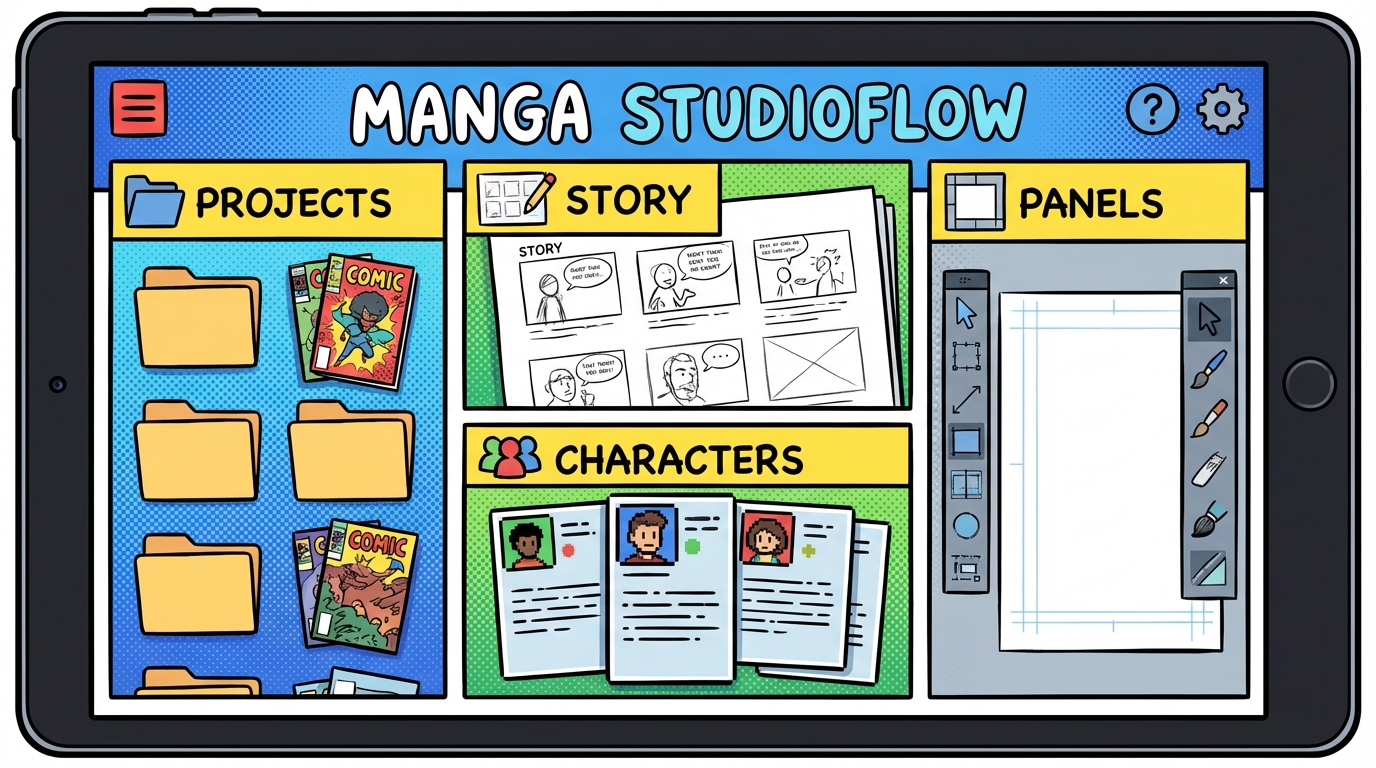
This is what your workspace looks like after signup

The same flow you see in the steps below lives inside a clean dashboard: projects, story editor, character list, page planner, and panel generator—all in one place.

Editor area: story text, AI analysis, character prompts, panel plan, and generated art all live here

You move through the six steps in order—or jump to any step—with full control over AI suggestions and manual edits.

No credit card required. Try the full app free after signup.

1) Import Story or Novel

Users paste text or upload long-form story files and choose whether to continue manually or use AI assistance.

  • - Supports manual creation and file-based workflow
  • - Works for large stories and chapter manuscripts
  • - Keeps full user control over what gets saved

1) Import Story or Novel (slide 1 of 2)1) Import Story or Novel (slide 2 of 2)

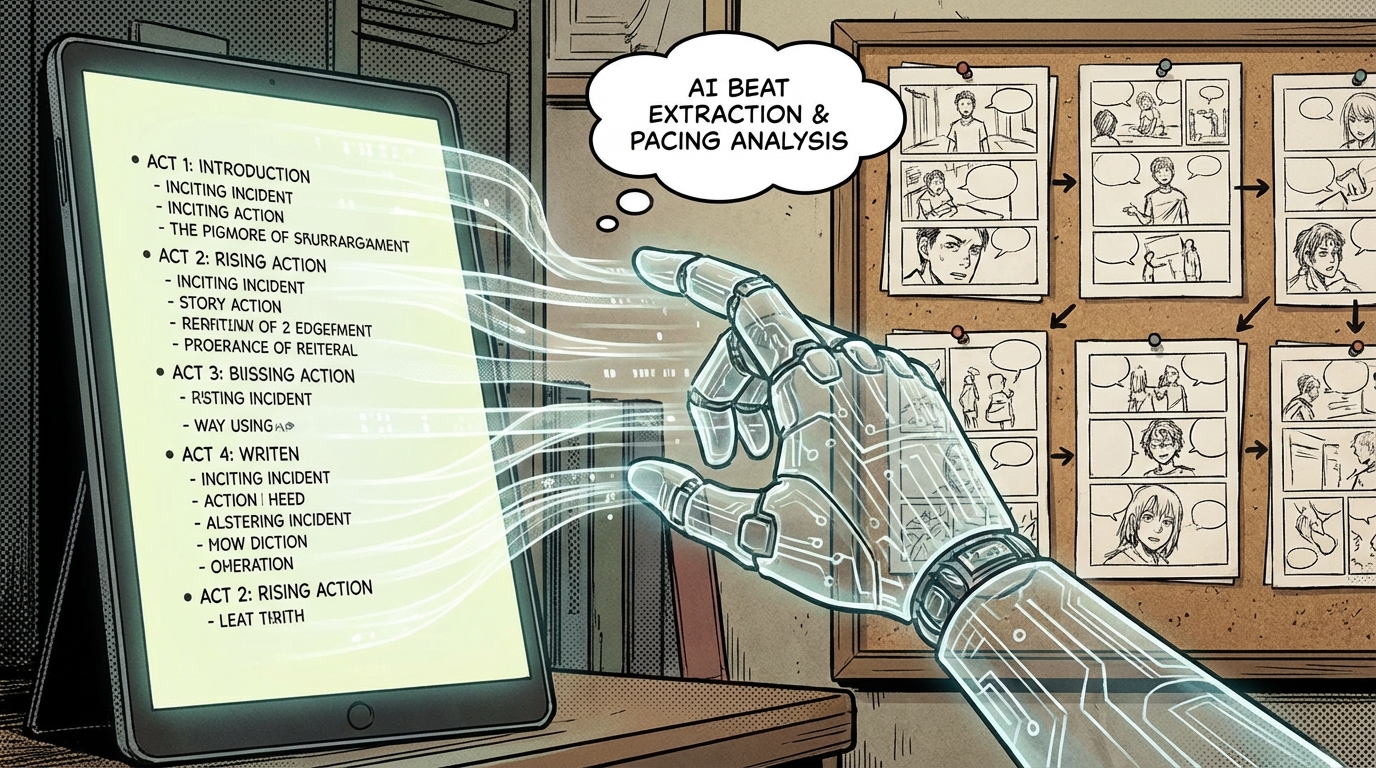
2) AI Story Analysis

AI extracts key arcs, tone, and production insights so creators can quickly go from raw text to manga-ready planning.

  • - Identifies core beats and scene priorities
  • - Recommends manga style pacing and focus
  • - Highlights continuity and world-building constraints
2) AI Story Analysis

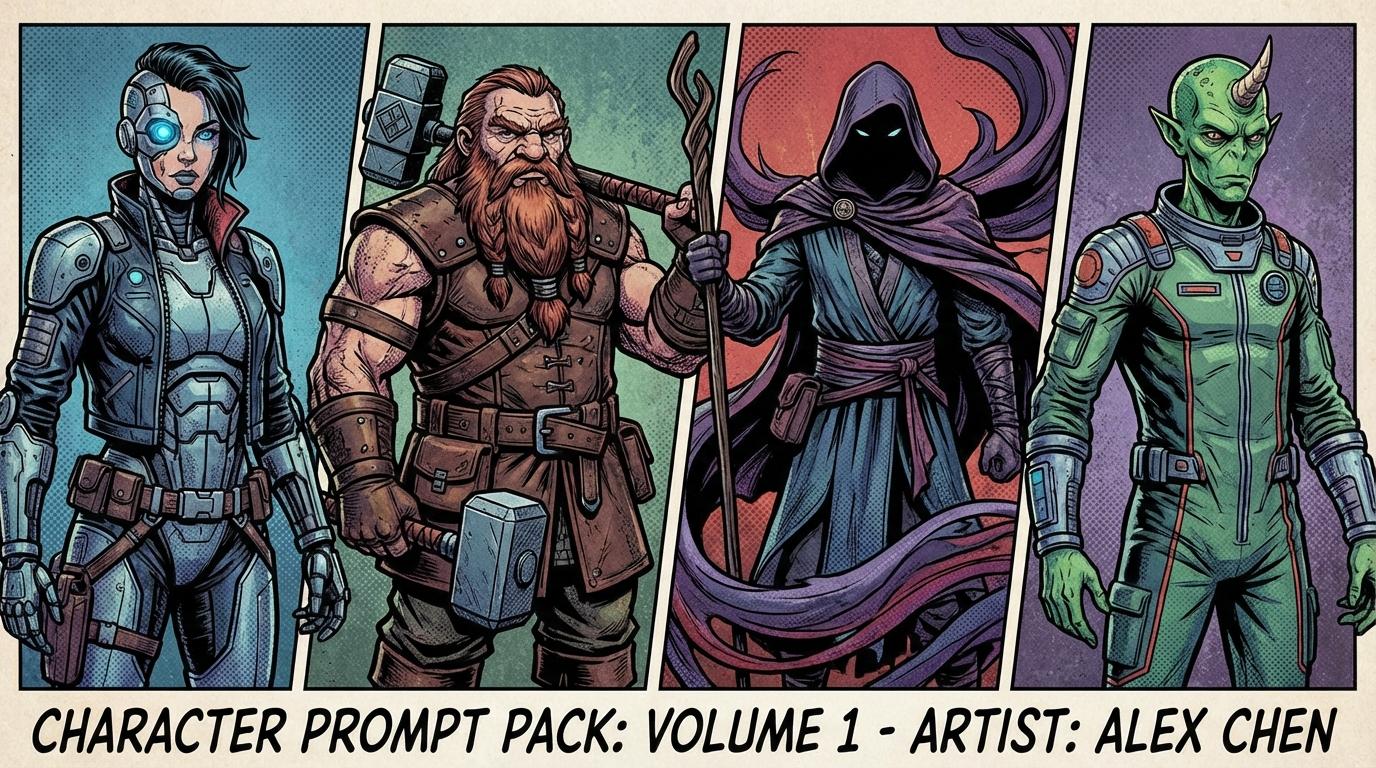
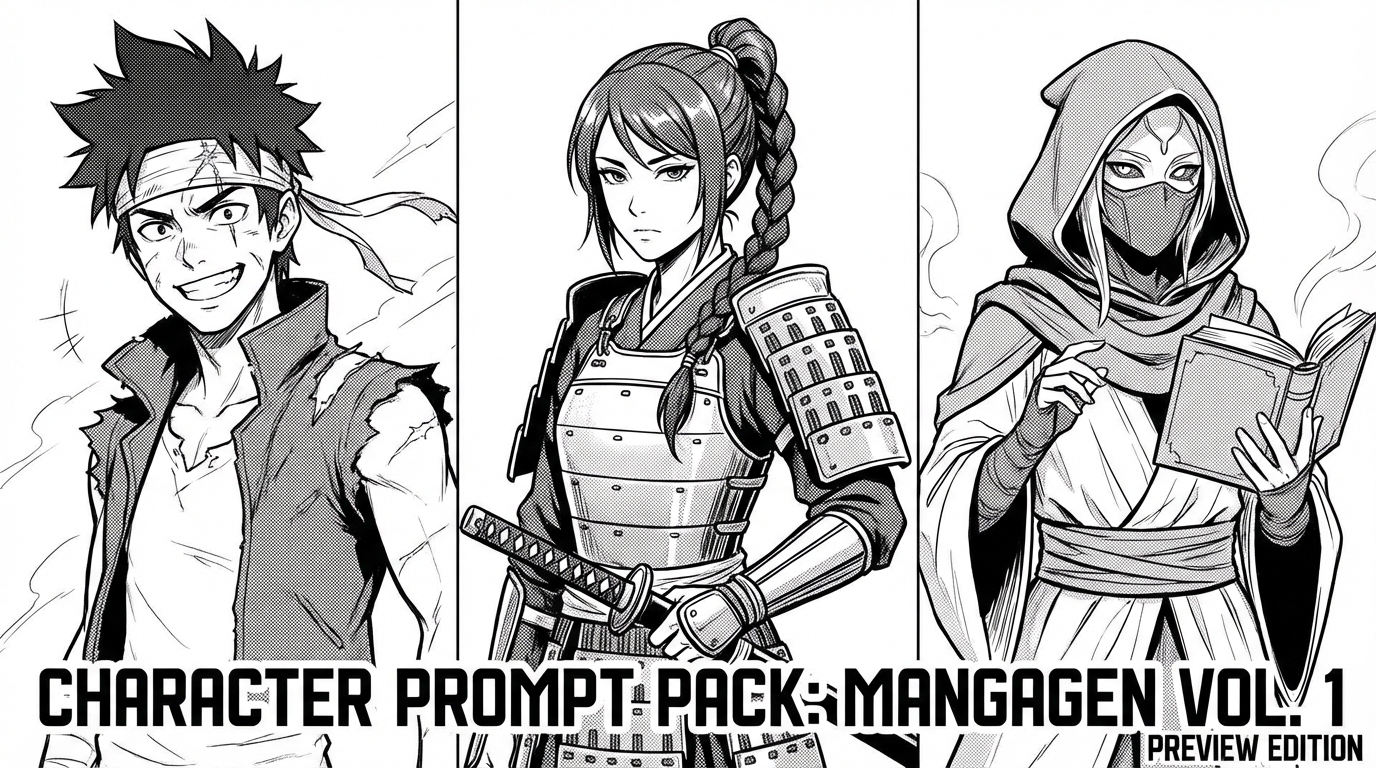
3) Character Prompt Pack

AI proposes character roles, abilities, visual look recommendations, and prompt-ready descriptors for generation.

  • - Character cards with look and ability guidance
  • - Prompt and negative-prompt recommendations
  • - User confirms, edits, or skips suggestions
3) Character Prompt Pack (slide 1 of 2)3) Character Prompt Pack (slide 2 of 2)

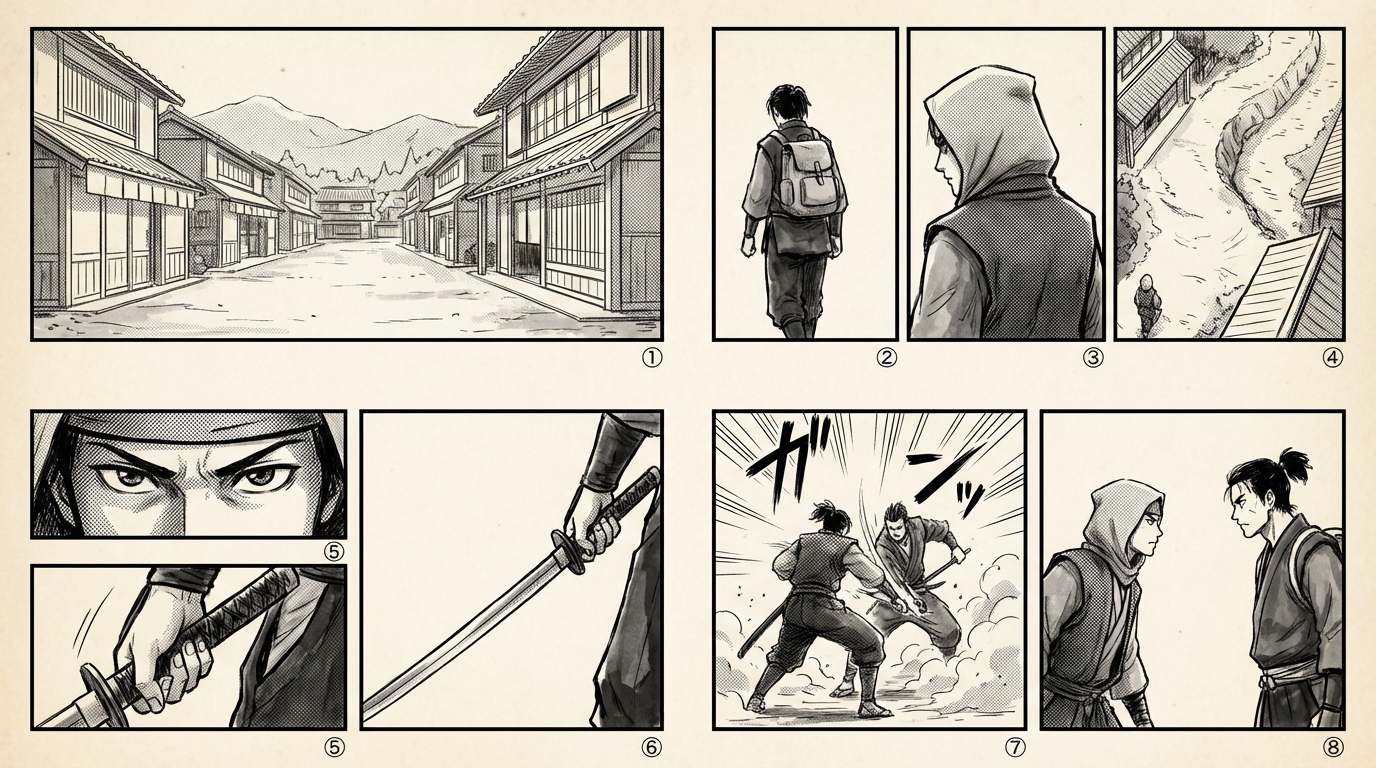
4) Manga Page & Panel Plan

Story is broken into manga-style pages and panel beats with camera suggestions, scene intent, and pacing support.

  • - Page-level summaries and panel-by-panel intent
  • - Shot and composition recommendations
  • - Editable blueprint before generation
4) Manga Page & Panel Plan

5) Generate Visuals

Creators generate panels from approved prompts and blueprint data, or manually override with their own prompts.

  • - Guided generation from approved AI plan
  • - Manual prompt mode always available
  • - Regenerate specific scenes without restarting
5) Generate Visuals (slide 1 of 2)5) Generate Visuals (slide 2 of 2)

6) Compose and Export

Users finalize pages and export polished manga output while maintaining continuity from story to final visuals.

  • - Preview pages and panel order
  • - Export flow for production output
  • - Repeatable process for ongoing chapters
6) Compose and Export

Manual and AI workflows both supported

Users can run fully manual creation, fully AI-assisted creation, or a hybrid flow. AI is optional and available based on your plan, with approval steps where needed.