
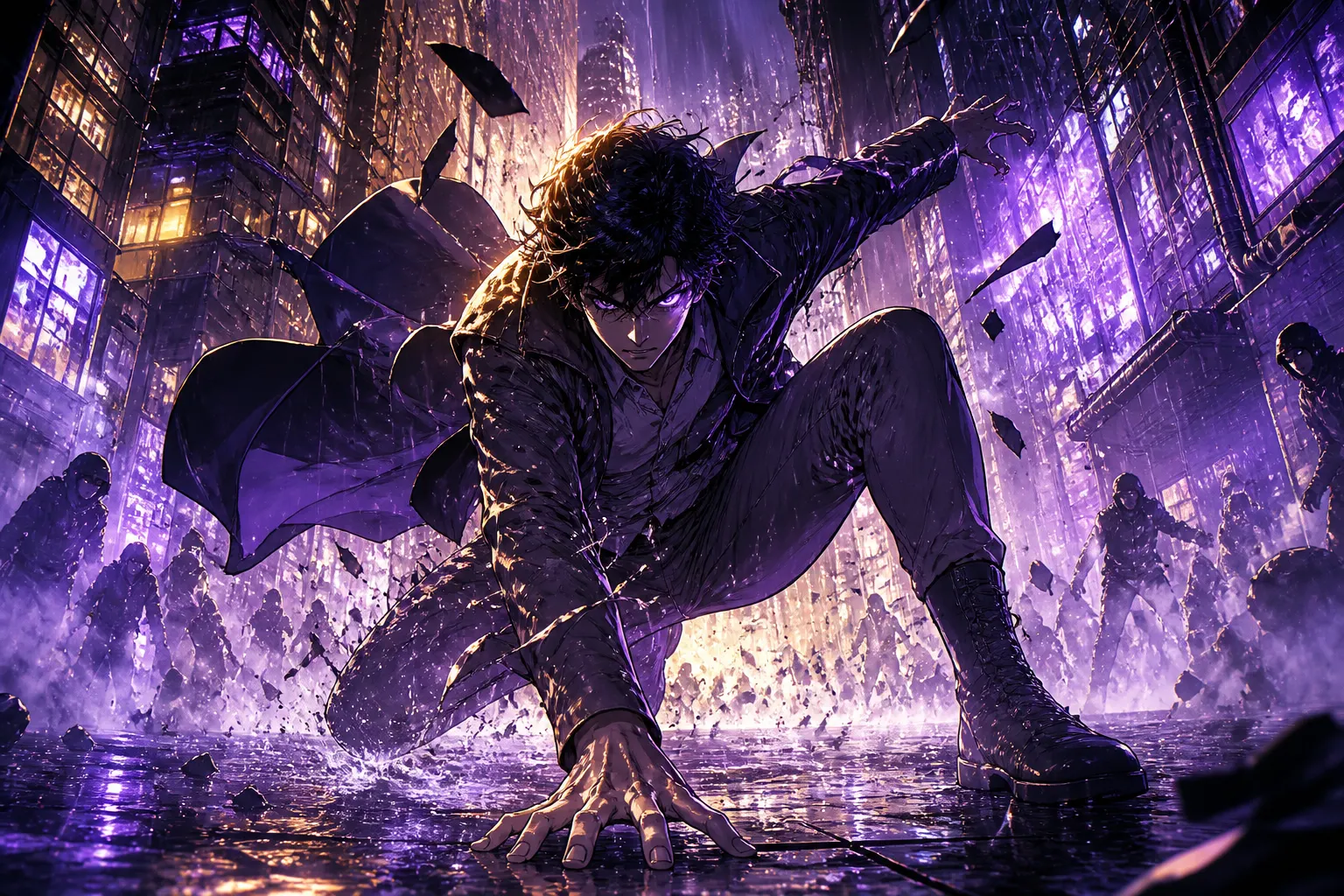
Photo to manga
Turn your photo into a manga hero
Upload a selfie and MangaOra turns you into the main character of your own manga—then puts you on a cover and a finished first page. Or transform any photo or drawing into manga, comic, or webtoon style.
Free plan · 10 free image credits · No credit card
HOW IT WORKS
- 01
Open Quick Scene
After signing up, Quick Scene walks you through your first manga scene step by step.
- 02
Choose “Make me the hero”
Upload a clear selfie. MangaOra creates a manga character reference of you.
- 03
Add a cast and story
Pick supporting characters and let Quick Scene write the opening scene.
- 04
Get your cover and first page
See yourself on a manga cover and a finished page with speech bubbles—then keep going in Studio.
WHAT YOU GET
You, in manga style
Your selfie becomes a reusable character reference, so you look like you on every page.
A real story, not a filter
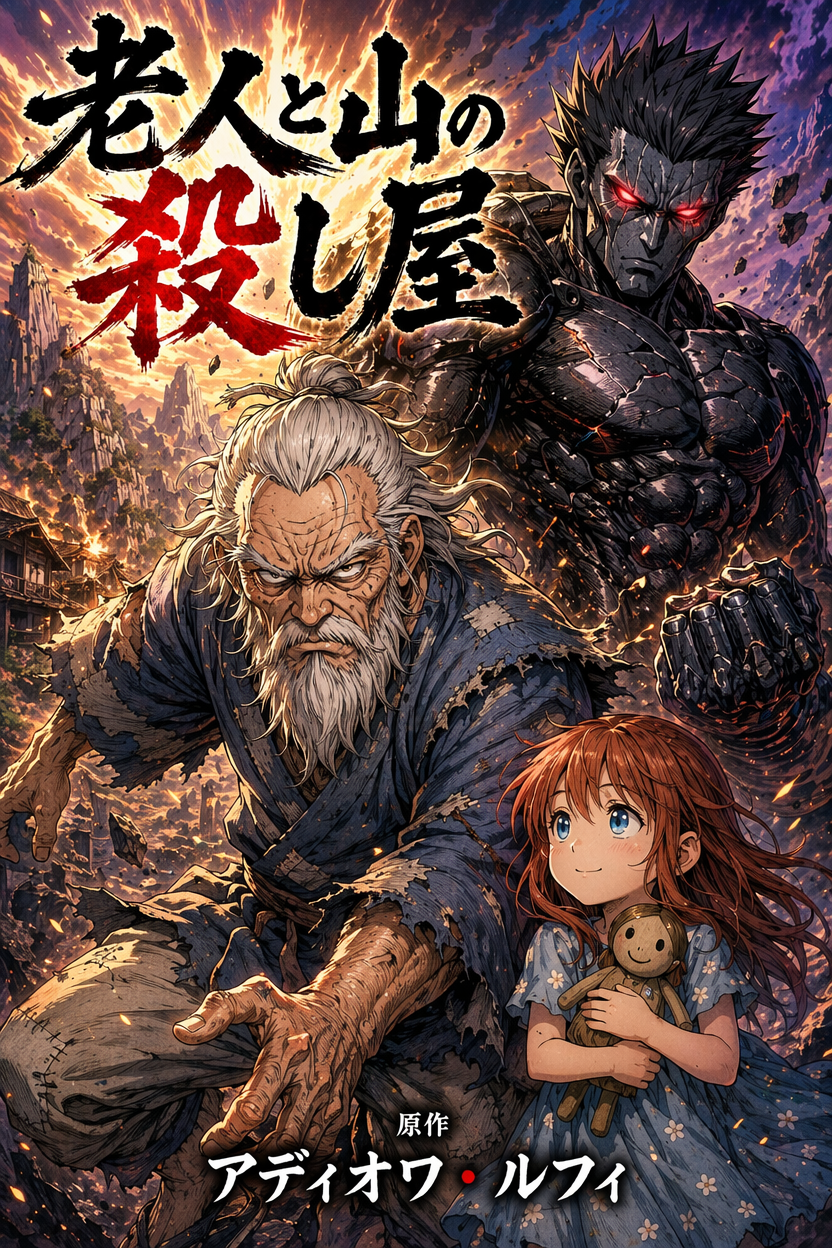
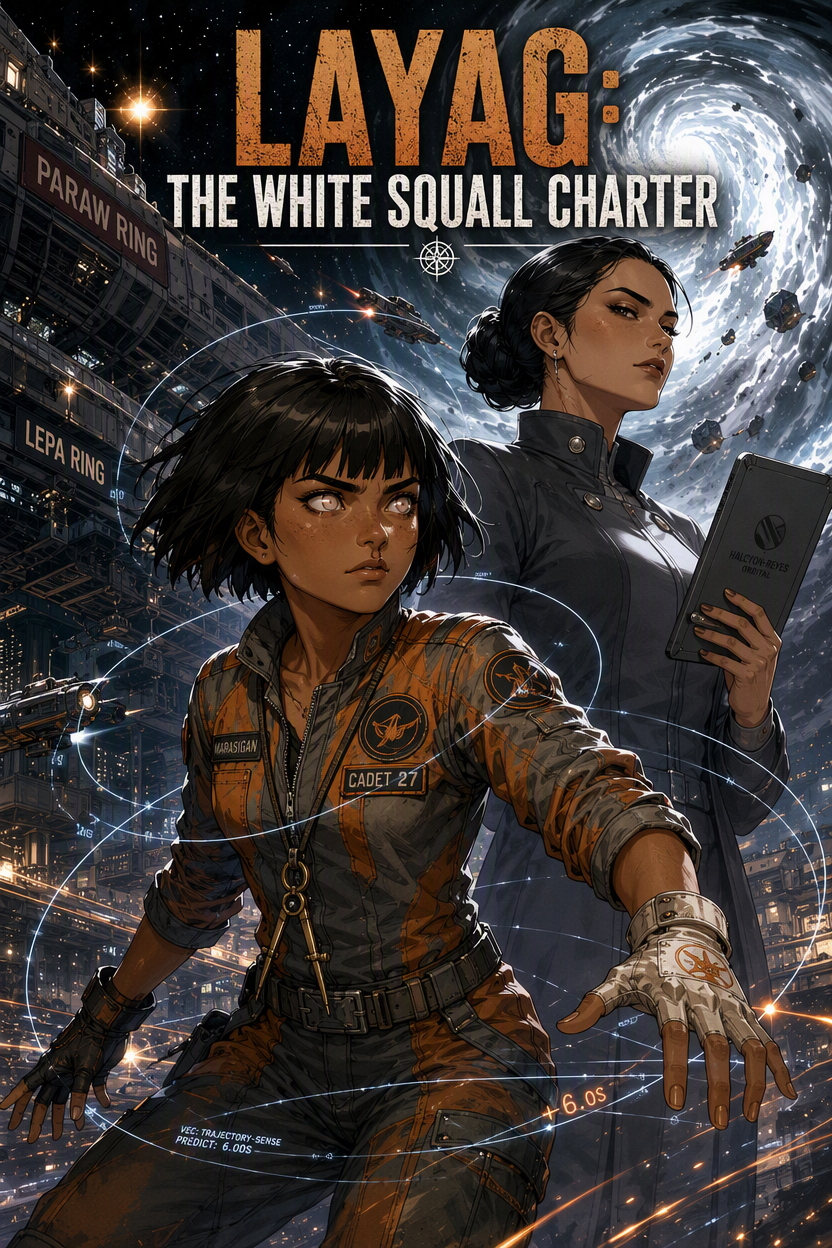
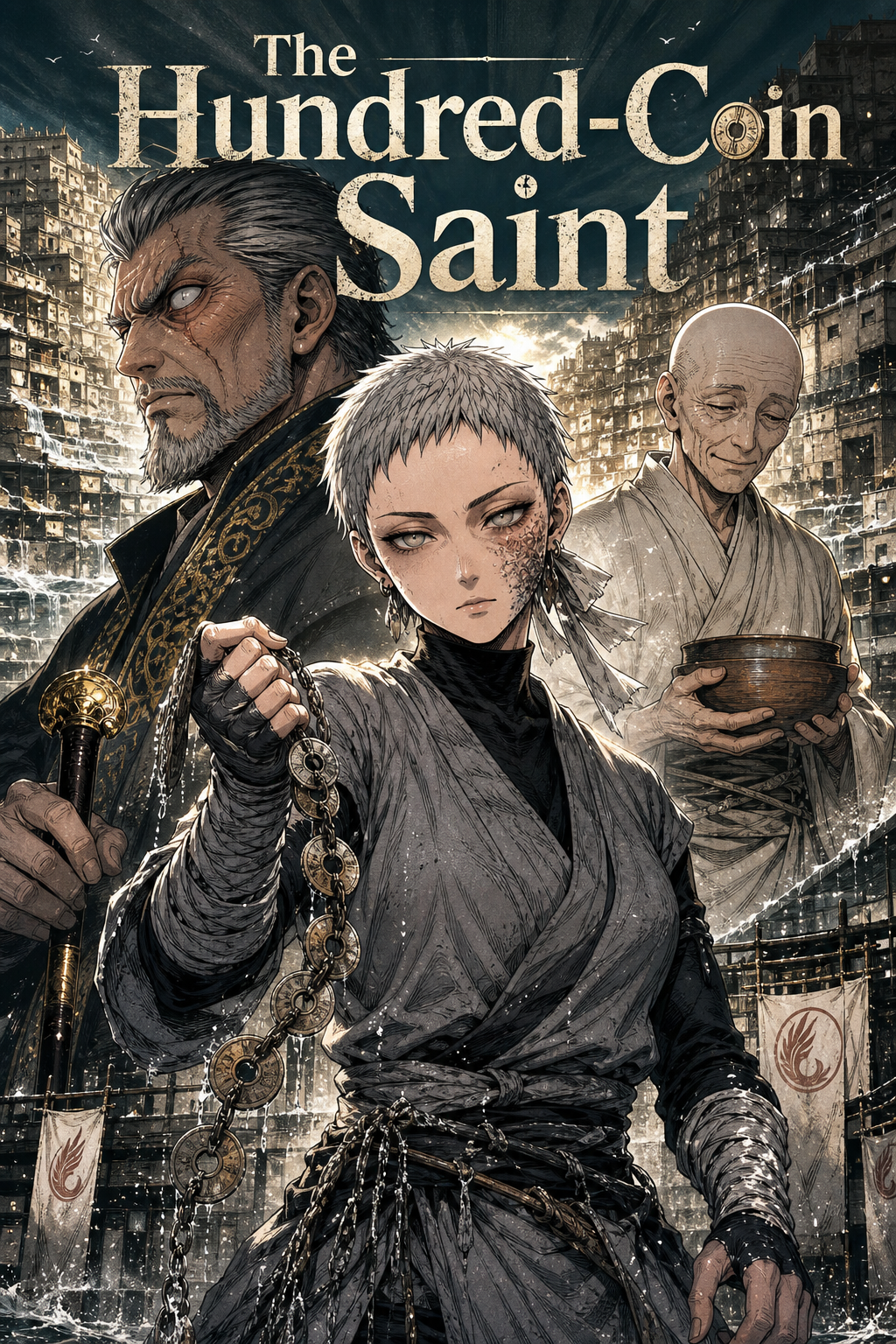
Instead of a single stylized photo, you get a cover and an actual manga page starring you.
Transform any image
On paid plans, upload a JPG or PNG photo or drawing and restyle it as manga, comic, or webtoon art.
Control the intensity
Light keeps more of the original; Strong pushes further into the chosen style.
Describe the result
Add a short description so the AI knows what the final image should show.
Saved to your library
Transformed images are kept in your account so you can download or reuse them.
Better than a manga filter
Filters repaint one photo. MangaOra turns your photo into a character the AI can draw again and again—in different poses, outfits, and scenes—so you can star in a whole chapter, not just a profile picture.
Use a well-lit, front-facing photo with just one person for the best likeness. Each image you create uses 1 image credit, and the free plan includes 10 credits to start.
FREQUENTLY ASKED QUESTIONS
Can I turn a photo into manga for free?+
Yes. “Make me the hero” in Quick Scene works on the free plan and uses image credits from your 10 free credits. Transforming other photos and drawings is part of the paid plans.
What photo works best?+
A clear, well-lit photo of one person facing the camera, without heavy filters or sunglasses. JPG and PNG images up to 6 MB are supported for transforms.
Can I put my friends in the story too?+
Yes. In Studio you can add more characters with their own descriptions or reference images, and the AI keeps each of them consistent.
GUIDES TO GET YOU STARTED
Quick Scene: Make Your First Manga Page in Minutes
Quick Scene walks you from a one-line idea to a hero, supporting cast, cover, script, and a finished first manga page—then hands everything to Studio.
Transform Your Drawing Into Manga
Turn your sketches and drawings into manga, comic, or webtoon style with MangaOra's AI. Upload a drawing, pick a style and intensity, and get panel-ready art.
Keeping Characters Consistent
How to make your characters look the same in every panel: reference images, descriptions, and character assignments in MangaOra.
YOUR STORY, ON THE PAGE
Start free with one Studio book and 10 image credits. Upgrade when you're ready for unlimited books and clean exports.