
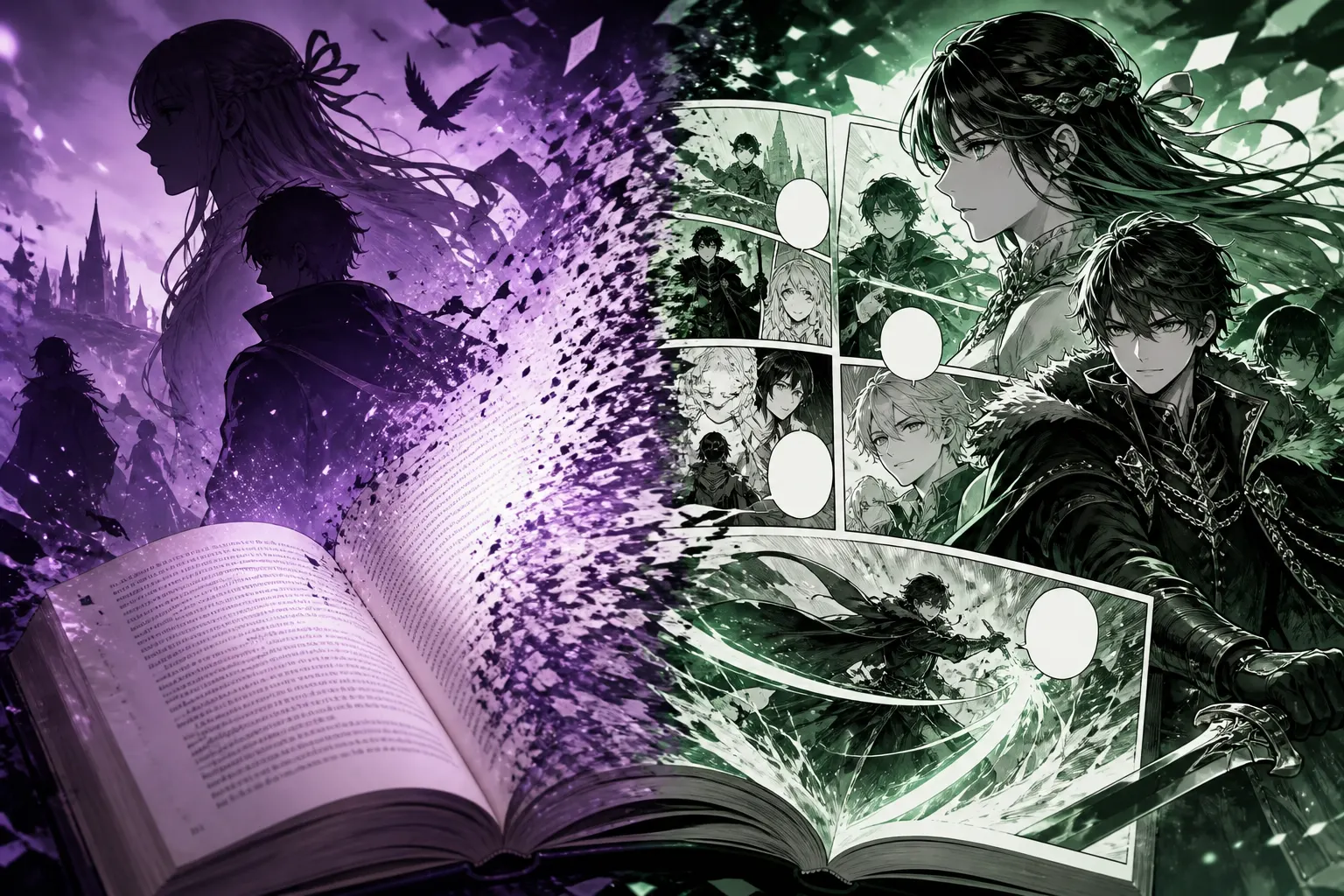
Story to manga
Adapt your novel or story into manga
Bring the story you already wrote. MangaOra imports your chapters—even from a Word file—analyzes each one for cast and scene beats, and turns it into a panel script and illustrated pages you control.
Free plan · 10 free image credits · No credit card
HOW IT WORKS
- 01
Import your story
Paste chapters into Story Library or upload .txt, .md, or Word .docx files.
- 02
Start an adaptation
Studio creates one chapter per story chapter and brings your characters along.
- 03
Analyze each chapter
Get the cast who appear, key scene beats, and a page-count estimate—then review or skip.
- 04
Script and illustrate
Turn prose into panels, trim dialogue for bubbles, and generate pages.
WHAT YOU GET
Word import
Upload .docx files up to 12 MB—no copy-pasting a whole manuscript.
Chapter-by-chapter
Your chapters map to manga chapters, so long books stay organized.
AI chapter analysis
See who appears, the important beats, and roughly how many pages a chapter needs.
Characters carried over
Characters linked to your story are copied into the book’s cast.
Your words stay central
Edit every panel description and line of dialogue before you generate art.
Help from Liora
Ask where to split a long scene or how to turn narration into visuals.
Prose and manga tell stories differently
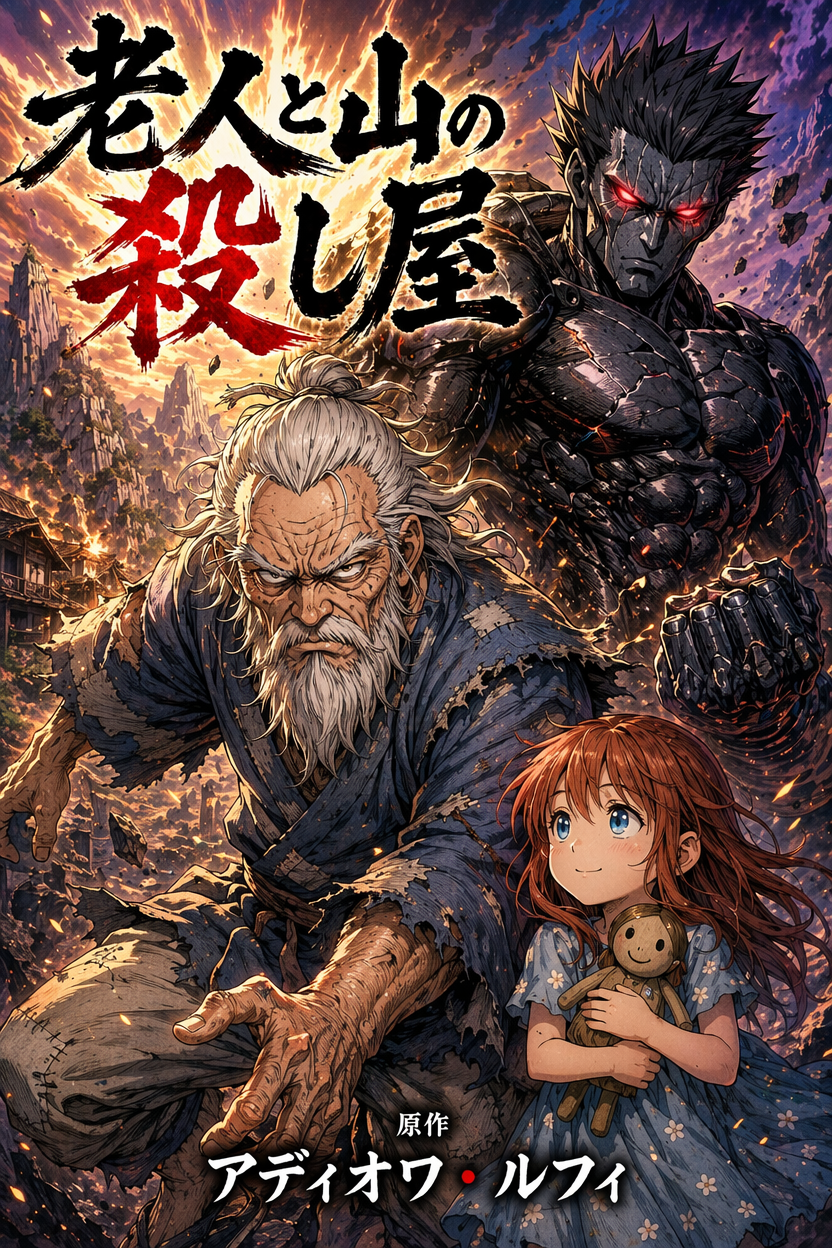
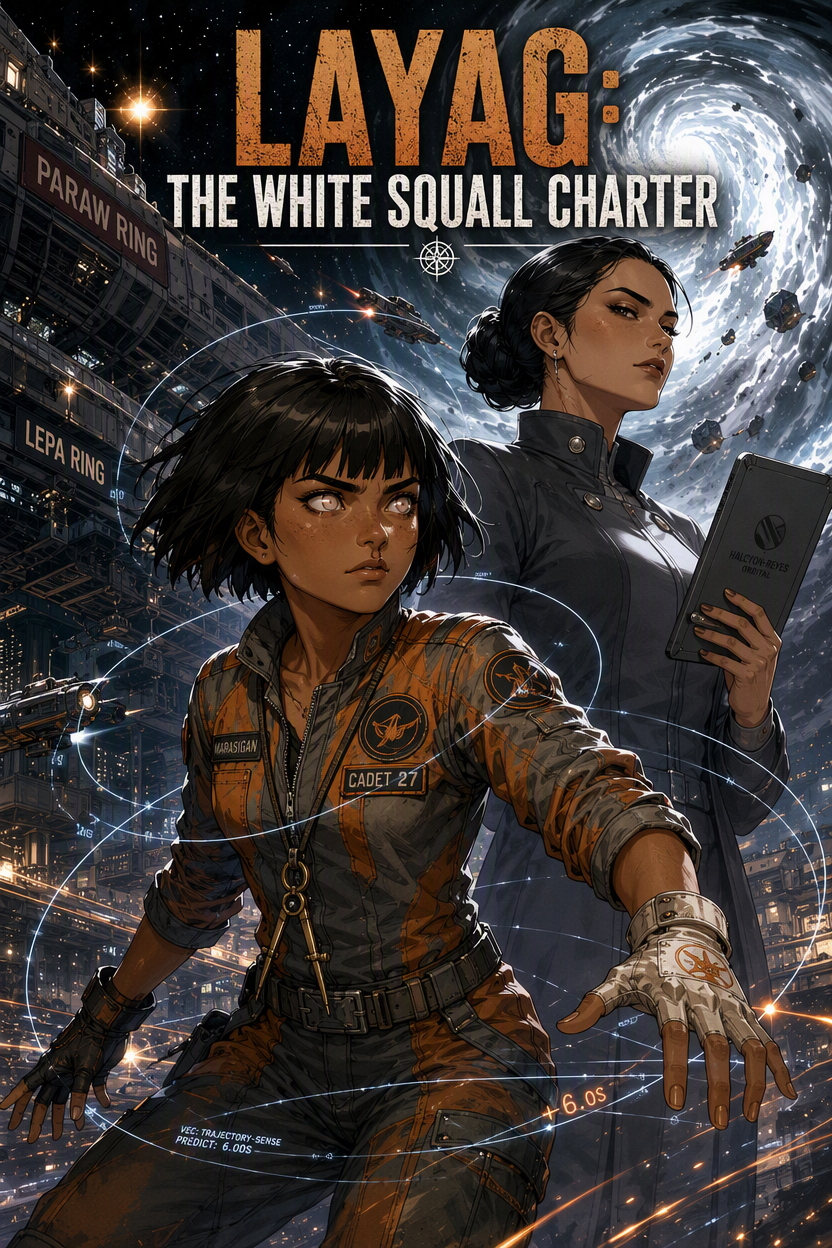
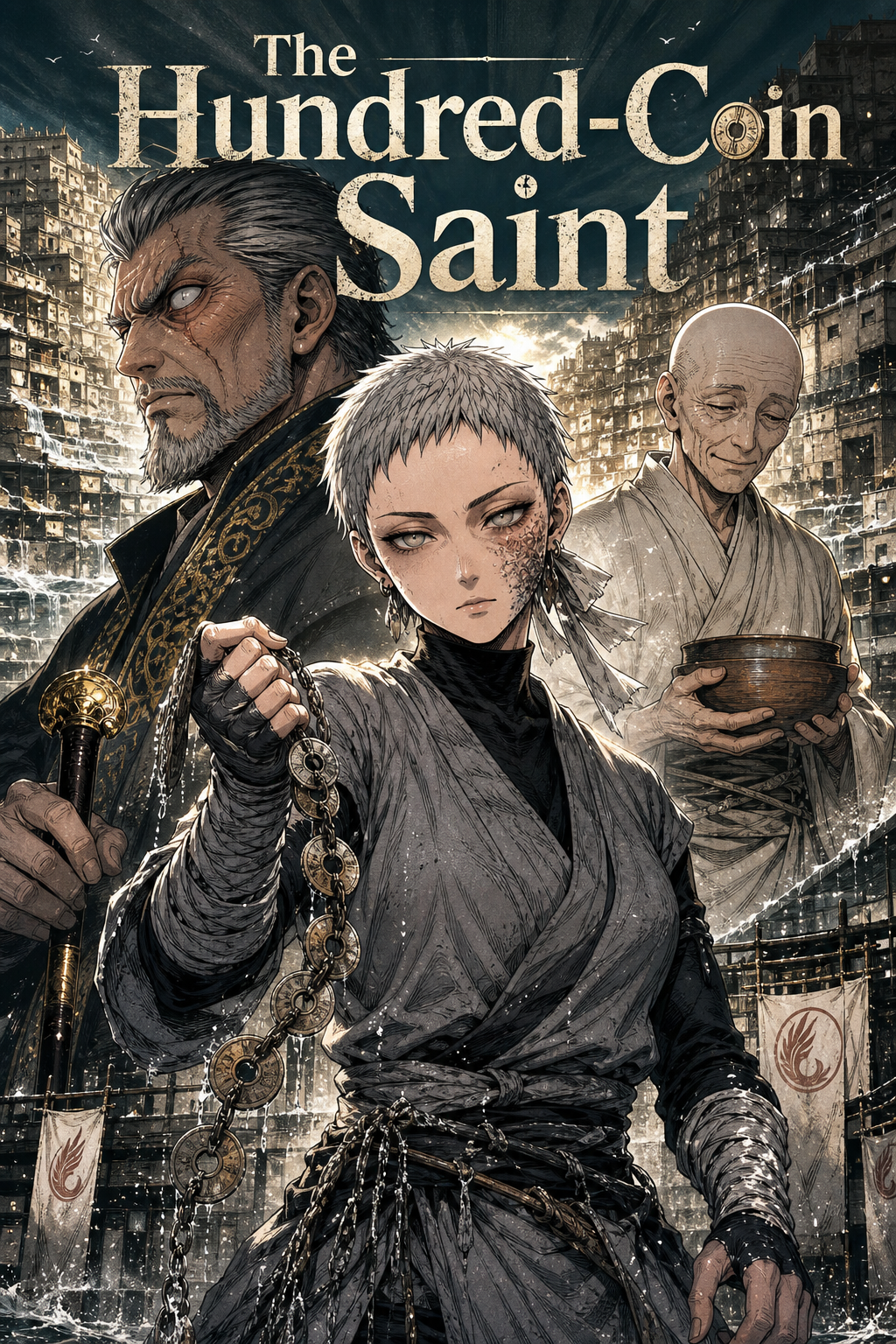
Novels describe; manga shows. A paragraph of inner monologue might become a single close-up, and a long speech becomes three short bubbles. MangaOra’s adaptation flow helps you make those choices chapter by chapter, with AI suggestions you can accept, edit, or ignore.
Story Library and adaptation are included with paid plans. On the free plan you can still start a Studio book from your premise or opening scene and illustrate up to eight pages.
FREQUENTLY ASKED QUESTIONS
Can I upload my manuscript as a Word file?+
Yes. Story Library accepts .txt, .md, and .docx files (up to 12 MB for Word). Older .doc files need to be saved as .docx first.
Will it rewrite my story?+
No. The AI proposes panels, dialogue placement, and scene beats from your text, and you can edit every one of them before generating pages.
Is story-to-manga available on the free plan?+
Importing into Story Library and adapting a full manuscript are part of the paid plans. Free users can start a Studio book from a premise or opening scene and illustrate up to eight pages.
GUIDES TO GET YOU STARTED
Adapt Your Novel or Story Into Manga: Story Library, Word Import, and Studio Adapt
Turn an existing manuscript into a manga, webtoon, or comic: import it into Story Library (including Word .docx), start a Studio adaptation, analyze each chapter, and generate pages.
How to Turn Your Written Story Into a Manga or Webtoon (Step-by-Step)
Have a novel, script, or story idea? Learn how to turn written fiction into manga or webtoon pages: outline, characters, chapter scripts, panel breakdown, and AI art—with MangaOra Studio.
From Writer to Manga Creator: Making the Leap
You have stories—now you want to turn them into manga. How writers can use MangaOra to go from manuscript to visual manga without learning to draw.
YOUR STORY, ON THE PAGE
Start free with one Studio book and 10 image credits. Upgrade when you're ready for unlimited books and clean exports.