


Readers scroll past a page. They stop for motion. When every page of a chapter is drawn, MangaOra cuts your own panels into a 20-second vertical trailer, with camera moves, captions and a title card, sized for TikTok, Instagram Reels and YouTube Shorts.
Make a trailer
Finish drawing a chapter. The trailer premieres by itself before the "To be continued…" page.
Or press Trailer on any finished chapter.
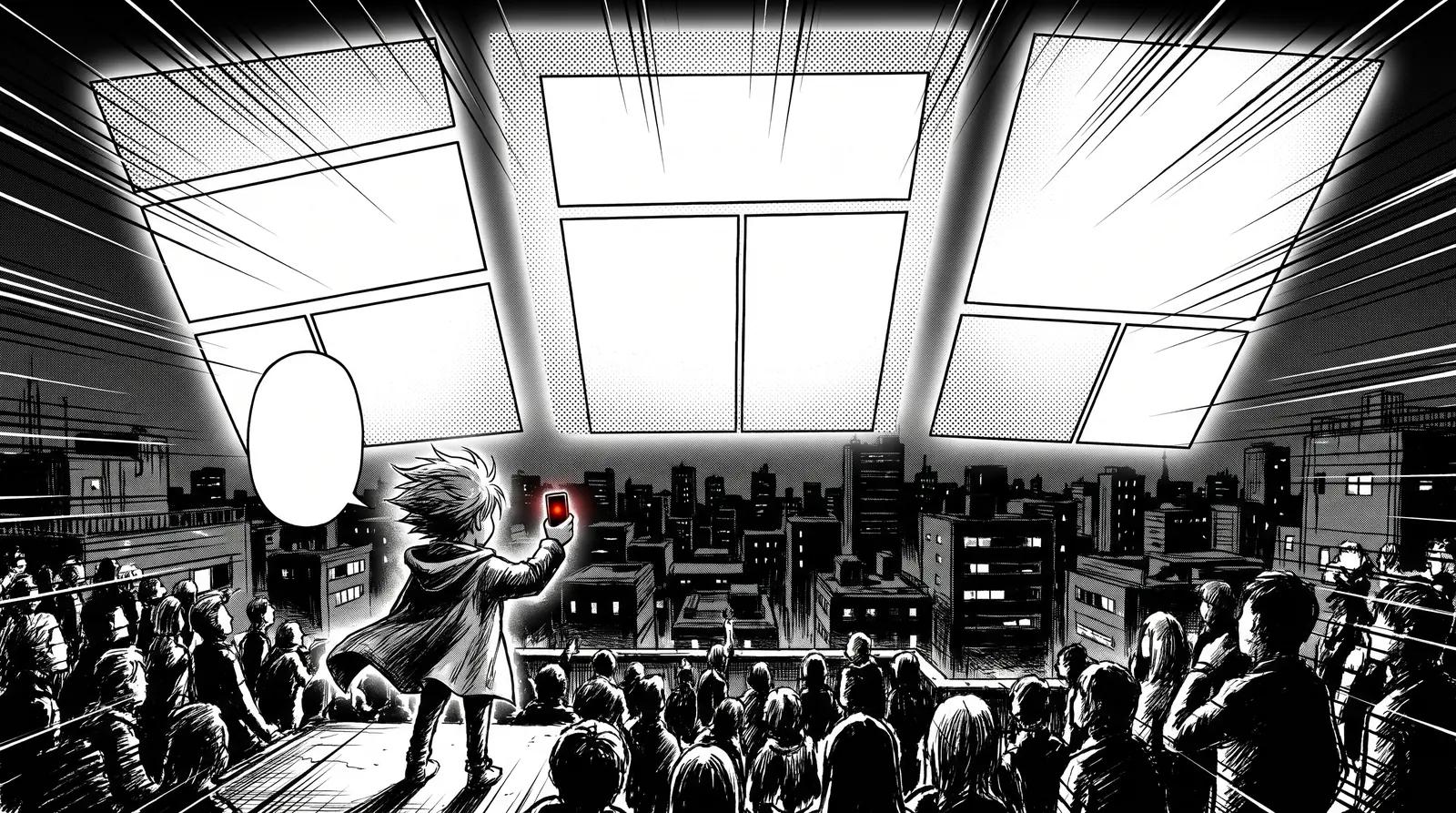
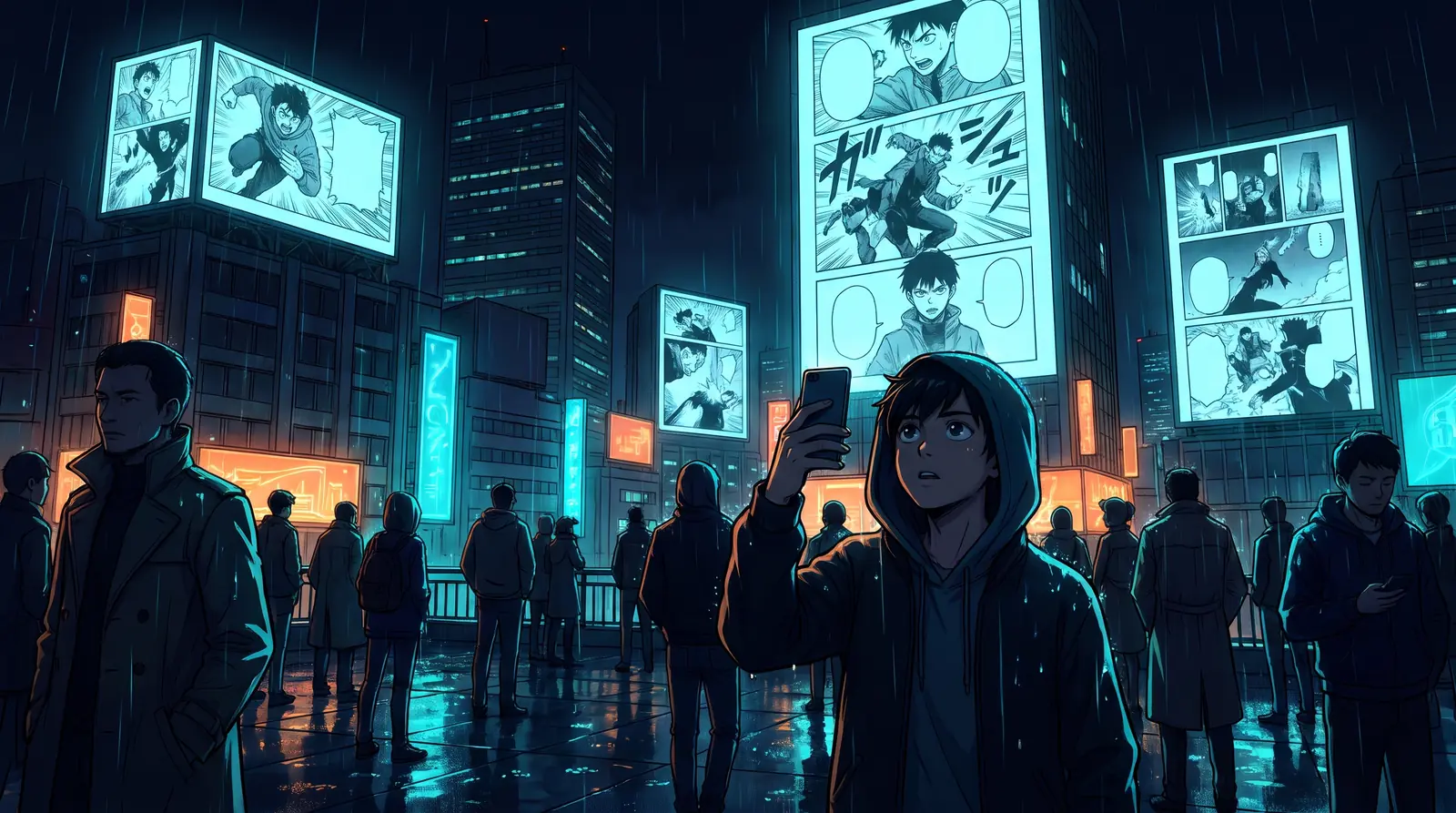
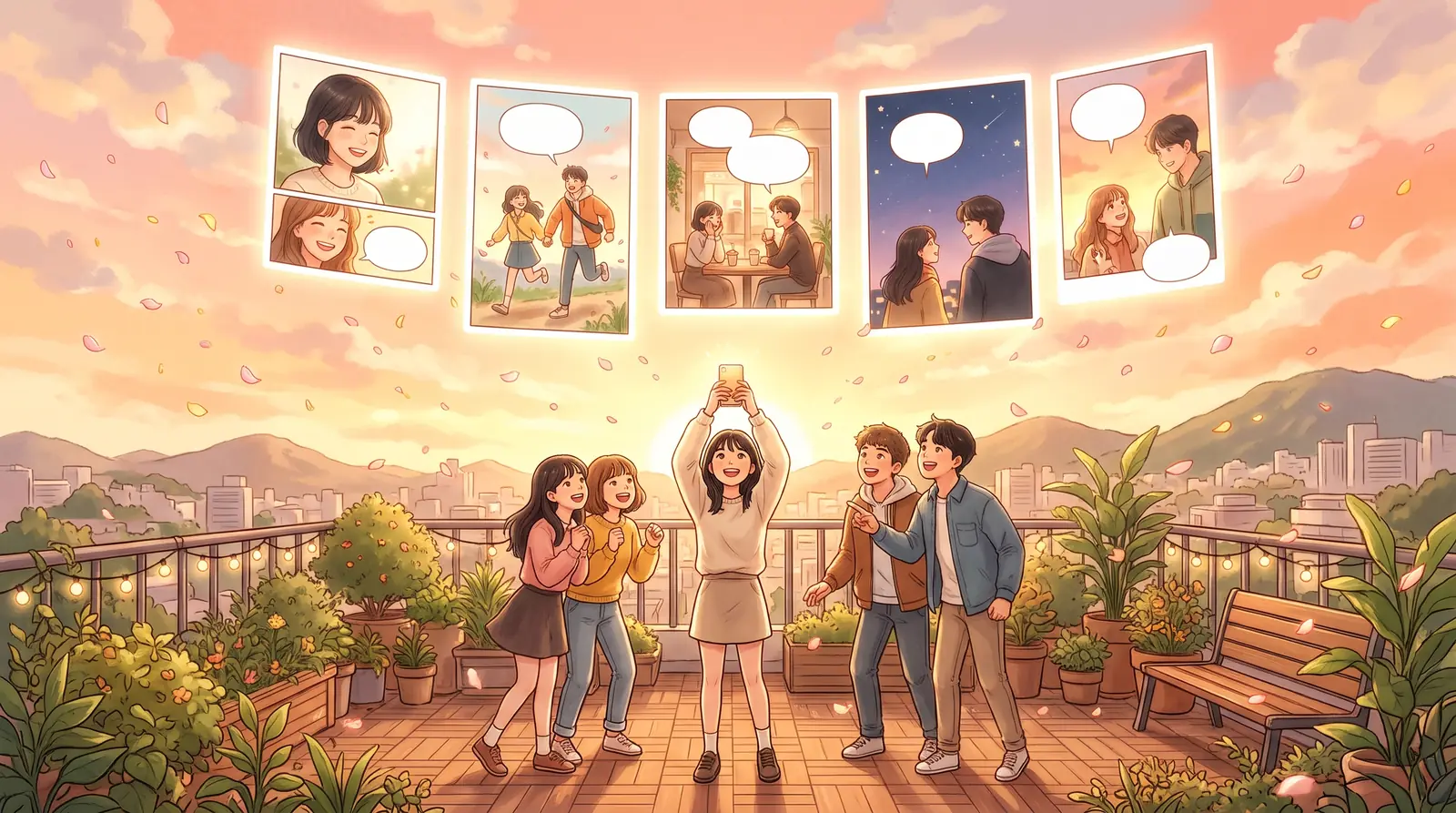
Pick a look for it: Ink & Thunder, Neon Night or Webtoon Sunrise.
Press Save video, or copy the ready-made caption with tags and post it.
A drawn sneak peek of the next chapter
At the end of a chapter, MangaOra draws one cliffhanger panel from the next chapter and shows it as a sneak peek, with the beats around it still locked. It is the moment that makes readers come back.
Motion reader and "Previously on"
On share links and Discover, readers can switch on Motion: the page plays panel by panel, with bubbles popping in. When a reader starts a new chapter, a 10-second Previously on recap catches them up.
What each plan gets
Trailers are made in your browser from pages you already have, so they cost no credits.
- Free: the trailer and sneak peek in your current look, with a small MangaOra mark.
- Creator and up: clean, full HD trailers in all three looks, and a sneak peek for every book.
- Studio: AI motion, real AI video clips that bring chosen panels to life inside the trailer.
Questions people ask
Does making a trailer cost credits?
No. Trailers, sneak peeks and recaps are made from your own pages in your browser.
What size is the video?
A vertical 9:16 video, about 20 seconds long, made for TikTok, Reels and Shorts. Paid plans export it in full HD.
Which plan has AI motion?
AI motion, which uses real AI video, is part of the Studio plan.