
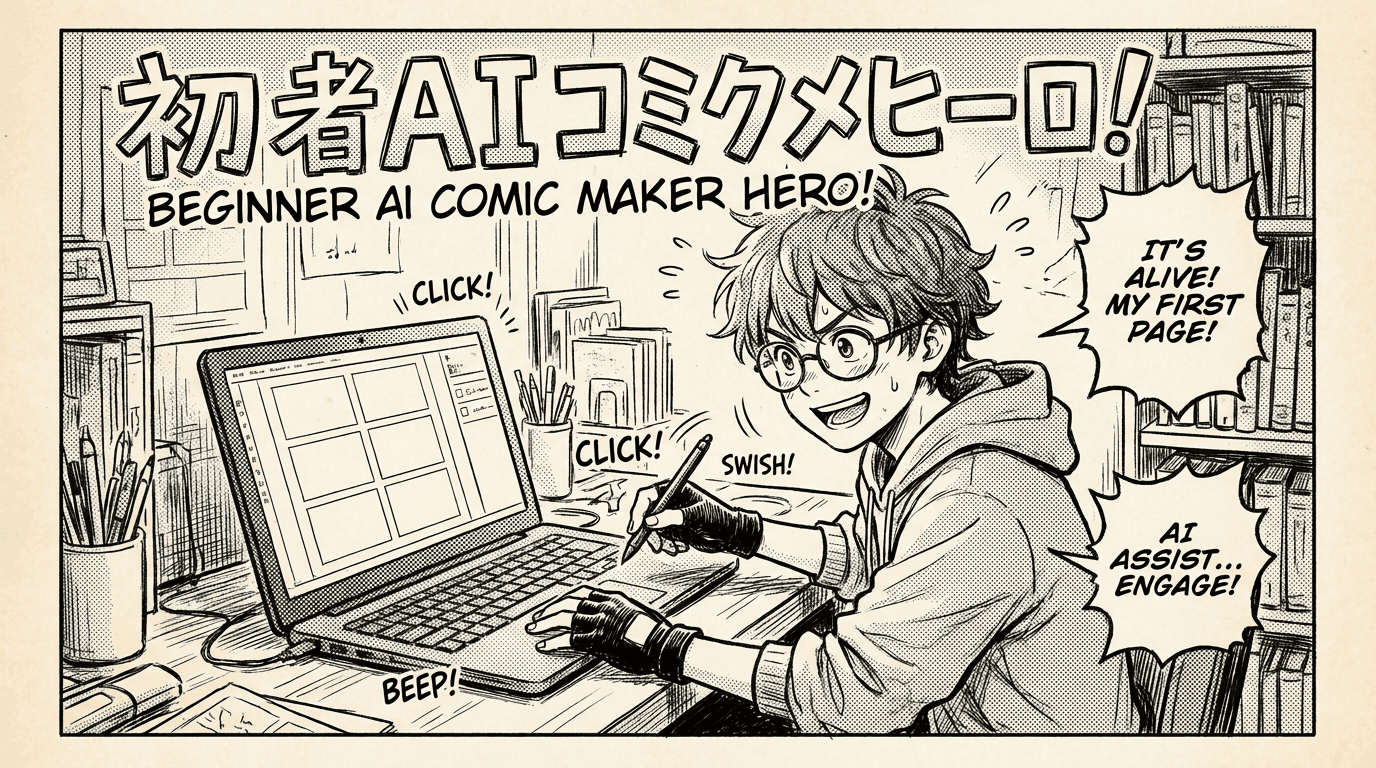
AI Comic Maker for Beginners: Create Comics Without Drawing Every Panel
A beginner-friendly guide to using an AI comic maker for characters, panels, scripts, covers, and page generation without needing advanced drawing skills.
Start simple
If you are new to comic creation, start with one scene instead of a full series. Decide who is in the scene, where it happens, what changes emotionally, and what the final panel should make the reader feel. A focused scene gives the AI clearer direction and helps you learn the workflow faster.
Create your main character first
Your main character is the anchor of the comic. Give them a clear description, signature clothing, and optional reference images. If you want the story to feel personal, you can also use photo-to-style workflows in supported features to turn a real person into a manga, comic, or webtoon-inspired character.
Generate panels with intent
Good comic panels are specific. Instead of "hero is sad," try "close-up of the hero looking down at a broken locket, rain streaking across their face." Include shot type, action, emotion, location, and important props. The clearer the visual instruction, the stronger the generated panel.
Build toward Studio
Quick Scene is great for a fast first image, but Studio is where longer comics come together. Studio keeps your book structure, characters, pages, cover, scripts, and exports organized so your comic can grow from one scene into a complete project.