
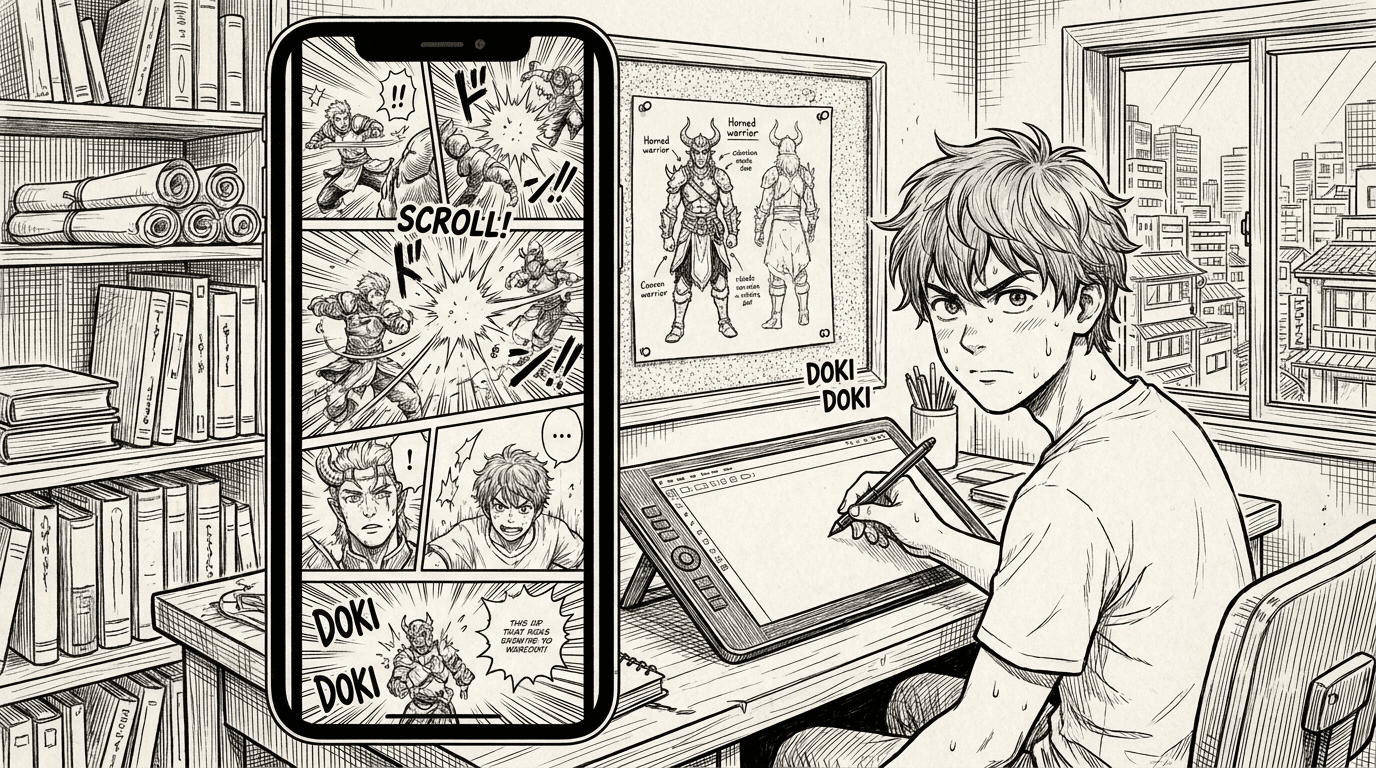
How to Create a Webtoon With AI: From Story Idea to Scroll-Friendly Episodes
Learn how to create a webtoon with AI using episode planning, vertical pacing, character references, and MangaOra Studio for scroll-friendly comic creation.
Webtoons are built for scrolling
A webtoon is not just a comic page turned sideways. The pacing, panel spacing, and emotional reveals are designed for vertical scrolling. When you create a webtoon with AI, think in beats: opening image, reaction, movement, reveal, pause, and payoff. Each beat should feel natural as the reader scrolls.
Plan episodes before generating art
Start with an episode summary and decide what changes by the end of the scene. Studio can help turn that idea into a script and page or panel plan. This keeps your episode focused and prevents the AI from creating pretty images that do not move the story forward.
Use character and style references
Webtoon readers notice when a character face, outfit, or art style drifts. Use character profiles, reference images, and style references before generating episode art. Clear references help the AI keep your cast recognizable and your webtoon visually cohesive.
Make each episode end with momentum
The best webtoon episodes end with a question, emotional turn, reveal, or decision that makes readers want the next update. Use Liora or Studio notes to strengthen pacing before you generate final pages. The goal is not only beautiful panels, but a scroll experience readers want to continue.