
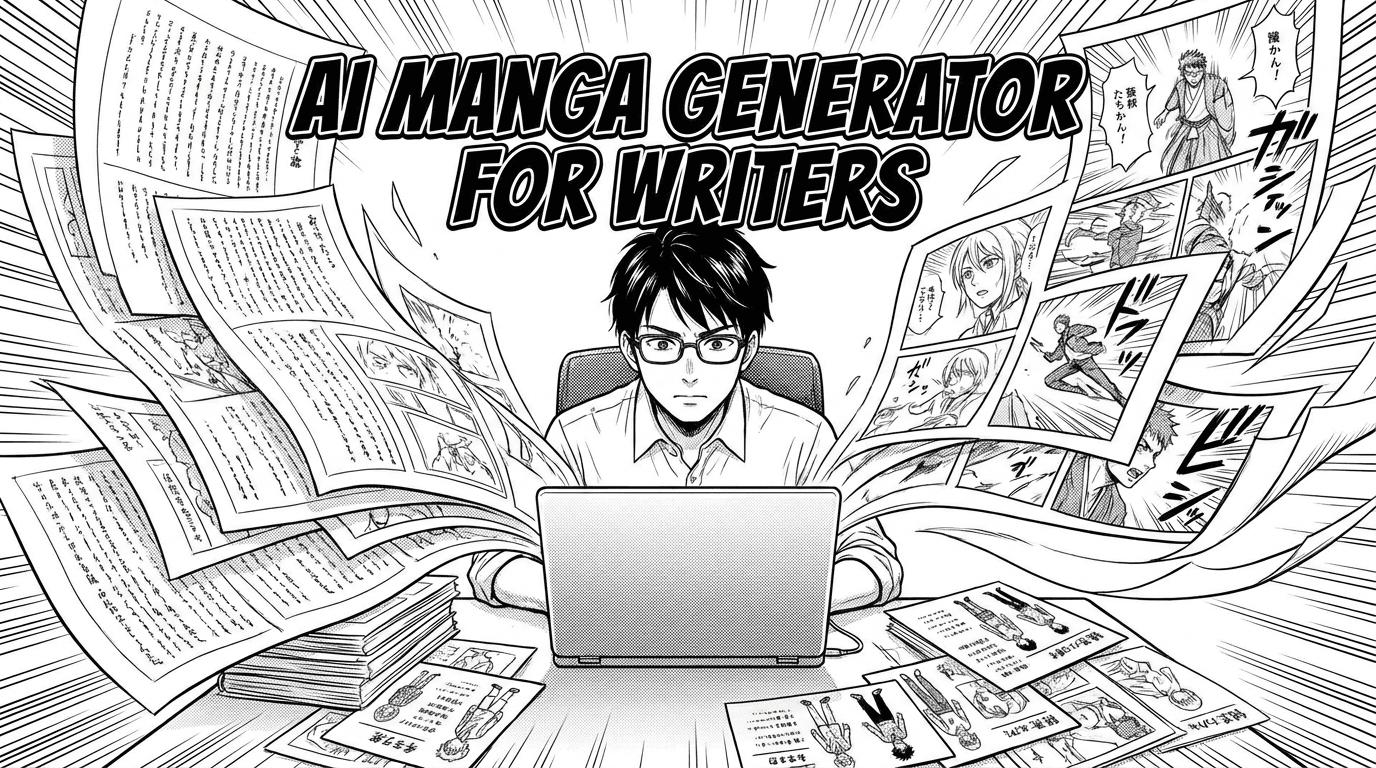
AI Manga Generator for Writers: Turn Your Story Into Manga Panels
A practical guide for writers using an AI manga generator to turn novels, scripts, and story ideas into manga, comic, or webtoon pages with consistent characters.
Why writers need a visual workflow
Many writers have strong stories but no easy way to turn them into finished manga panels. An AI manga generator changes that by letting you describe the scene, character emotion, location, and camera angle, then create a visual panel from your words. MangaOra is built for that full journey: story idea, character consistency, Studio book creation, panel generation, and export.
Start with a story, not a perfect prompt
You do not need to write perfect image prompts first. Start with your premise, chapter idea, or a few paragraphs of story. Studio can help shape that into chapters, scripts, page plans, and panel beats. From there, you refine each visual moment before generating, which gives better results than asking an AI image tool for random manga scenes.
Keep characters consistent
For long-form manga, the biggest challenge is keeping the same character recognizable across many panels. Create character profiles with descriptions and reference images, then assign the right characters to each panel. This helps the AI keep faces, outfits, and style more consistent from page one to the final chapter.
Use Studio for the full book
A general AI image generator can make a single image, but a manga creator needs structure. Studio keeps your book, chapters, pages, characters, cover, references, and Liora guidance in one place. That means each new panel is part of a larger creative system instead of a disconnected image.