
Characters in Studio: Add, Remove, and Panel Generation
What linking characters to a Studio book does: add from your catalog, remove from the book, and how that affects your story vs AI panel generation in MangaOra.
Studio book characters vs your catalog
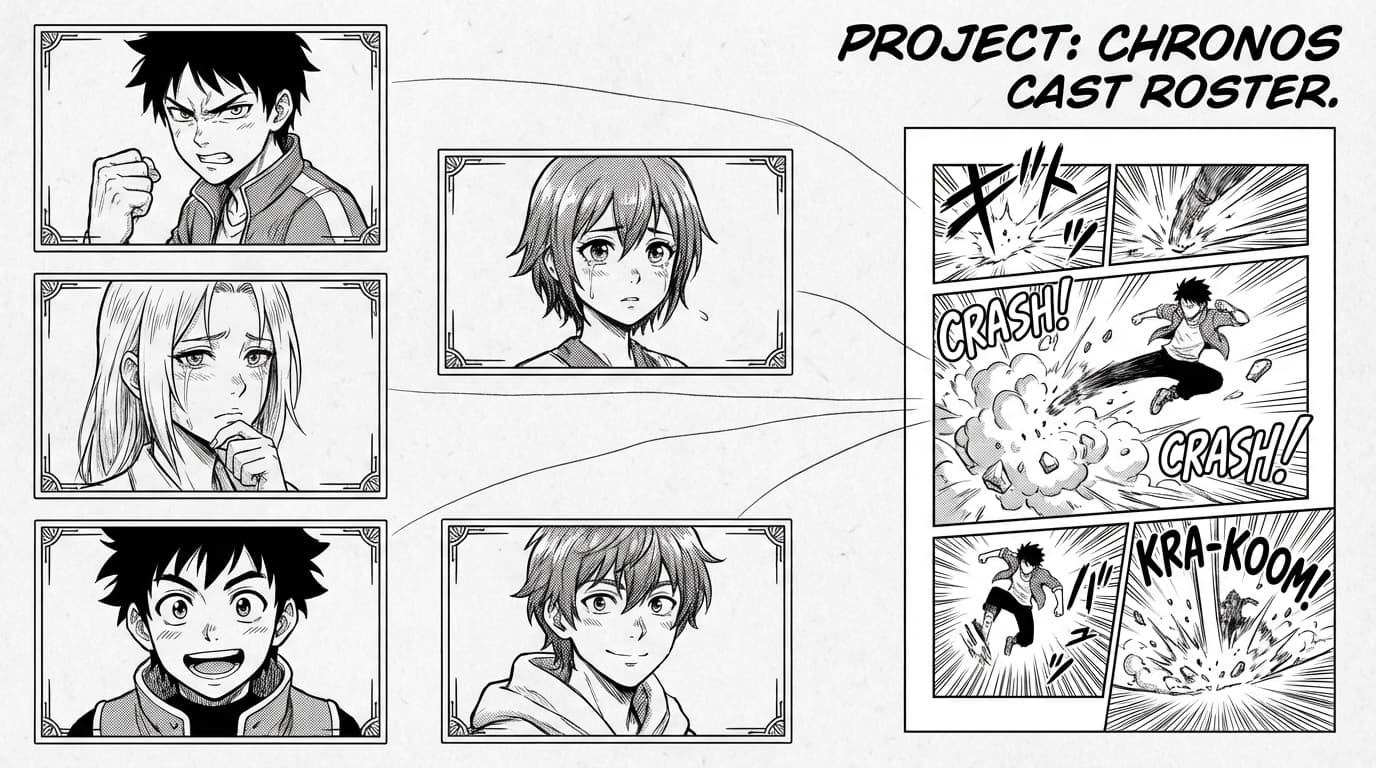
Your Characters section is your catalog: reusable character records live there. When you create a Studio book from a story or Quick Scene, the AI may suggest characters from the story breakdown, and those get linked to the book. You can also add characters yourself from your character catalog. That adds their references to the book so they can appear consistently in every panel you generate.
What "add to book" does
Adding a character to the book links them to that Studio book's cast. The character stays in your catalog; the link just says "this character is part of this book." From then on, that character's name, description, and reference images are included when the AI generates panels for this book, so you get consistent looks and the right cast in every scene.
What "remove from book" does
In the character controls, next to each book character you'll see an option to remove them from the book. That unlinks the character from this Studio book—they stay in your catalog and in any other book where you added them, but they're no longer part of this book's cast. The AI will stop using them when generating new panels here. Already-generated panels are not changed; only future panel generation is affected.
Effect on your story
Adding or removing characters from the book does not edit your story text, chapter breakdown, or page plan. The story and its outline stay exactly as they are. Only the list of "who is in this book for the AI" changes—who gets their name, description, and references sent to the panel generator.
Effect on panel generation
When you generate a panel, MangaOra uses the book character list to build context for the AI: names, descriptions, and reference images. Adding a character puts them in that list so the AI can keep them consistent. Removing a character takes them out of that list, so they won't be included in the context for new panels. Use add when you want someone in the cast; use remove when you don't want them influencing this book's art anymore.