
Style References: Keep Your Manga Look Consistent
How to use a style reference image in MangaOra so line weight, shading, and overall look stay consistent across every panel you generate.
What a style reference does
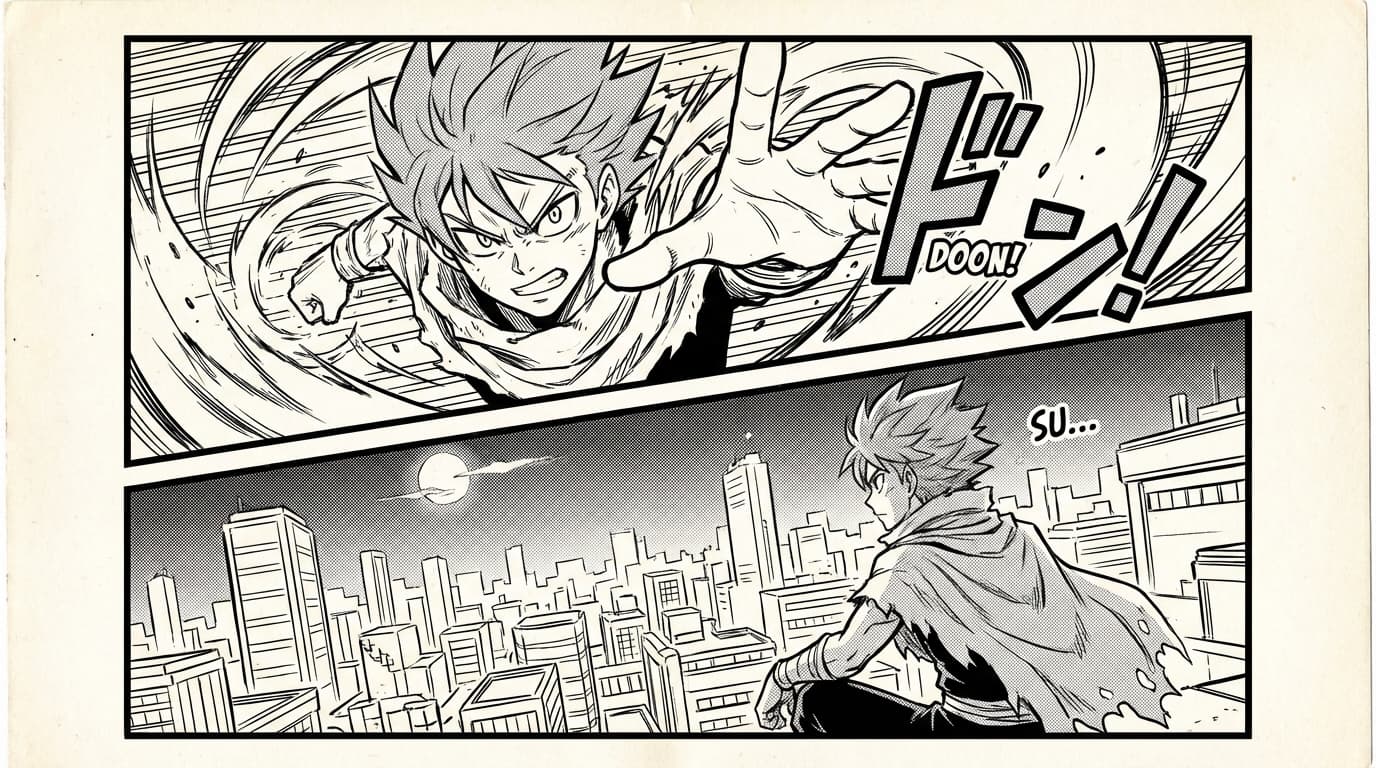
When you generate panels, the AI can match the look of an image you provide—line thickness, shading style, level of detail, and overall mood. That image is your "style reference." Add it in Studio alongside your panel references. Once set, it's used for new panels in that book until you change or remove it, so your pages feel like one cohesive manga, comic, or webtoon instead of a mix of different styles.
Choosing a good reference
Pick a panel or image that already has the look you want: same genre (e.g. shonen, slice-of-life), similar line work, and the kind of shading (screentone, hatching, or soft gray) you like. It can be something you generated earlier in MangaOra, a scan from a manga you admire, or your own artwork. The clearer and more consistent that single image is, the better the AI can replicate its style across new panels.
Where to set it
In Studio, open the page or panel workflow and look for references. You'll see an option to upload or select a style reference. One reference is enough for most books; if your tool supports multiple, use images that share the same look. The reference applies to new generations in that book until you remove it or upload a different one.
When to change it
Change the style reference when you start a new book and want a different look, or when you're doing a deliberate style shift (e.g. a flashback in a different aesthetic). For a single book, keep one reference throughout so the whole chapter or book stays visually consistent. If a panel comes out slightly off-style, try regenerating or tweak the prompt; if the whole book is drifting, consider replacing the reference with a clearer example.
Style reference vs character references
Style reference controls the overall look—lines, shading, mood. Character references and book characters control who appears and how they look. Use both: one style reference for the book, and character references so each person stays consistent. Together they give you a unified manga, comic, or webtoon where both the art style and the cast stay on model from page one to the end.