
Manga Visual Consistency: Why Key Items Matter in AI Comics
Character consistency is not enough—plot-critical props drift too. Learn how Key Items in MangaOra Studio keep rings, weapons, and MacGuffins on model across AI-generated manga pages.
Consistency is more than faces
Most AI manga advice stops at character consistency—and that is only half the job. Readers also track the locket from act one, the cracked phone that proves the alibi, the ceremonial blade that only the heir can lift. When those objects change shape, color, or engraving between panels, the story feels sloppy even if every haircut is perfect.
Professional manga and webtoons treat plot-critical props like cast members: they have a defined look, they reappear at story beats, and they must read the same every time. AI image models do not automatically remember your MacGuffin. You have to give them the same kind of visual anchors you give characters.
What are Key Items?
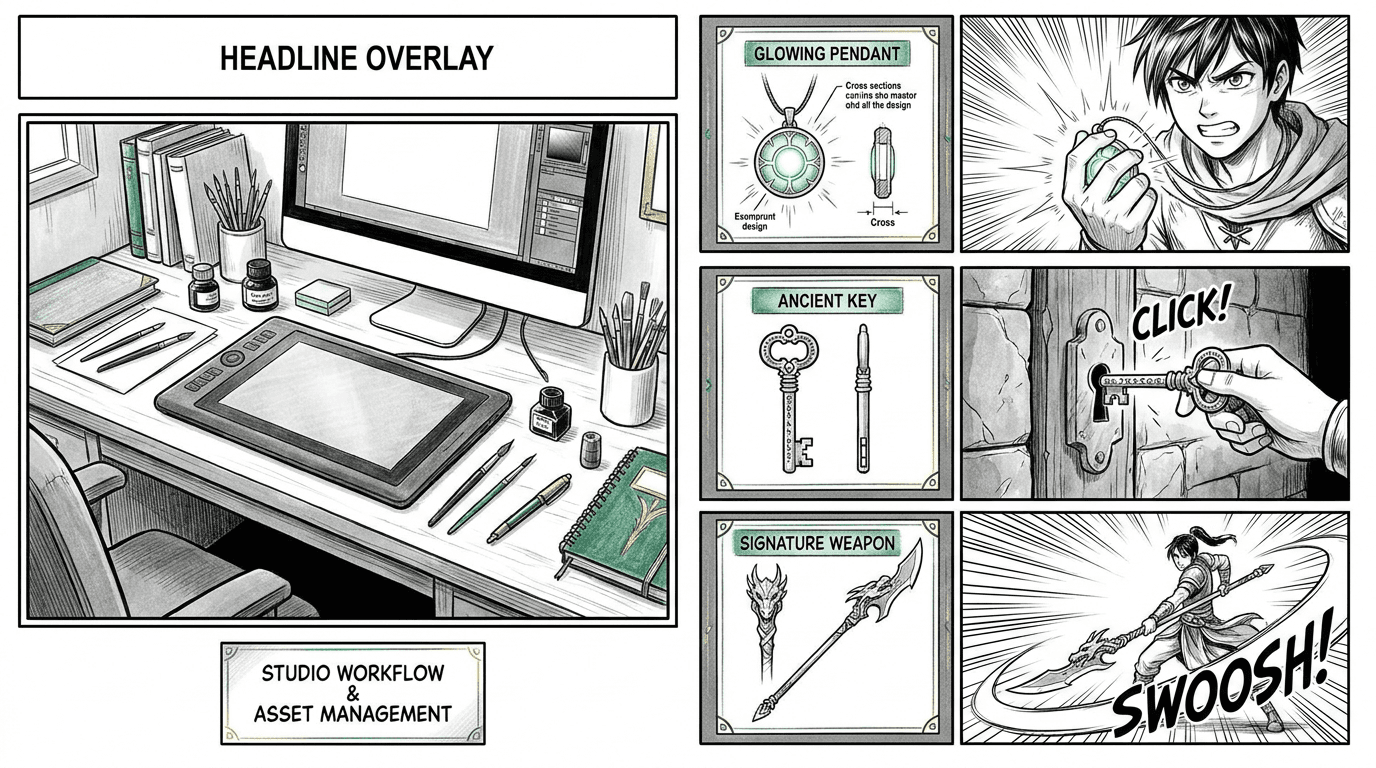
Key Items are MangaOra Studio's answer to prop drift. They are optional visual anchors for objects that matter to your plot—not every cup on a table, but the whistle that starts the rebellion, the CEO's signet ring, the map tattooed on the protagonist's arm.
For each Key Item you add a name, a short description, and an optional reference image (generated or uploaded). When you edit chapter pages, you tag which items are physically visible in each panel. At generation time, those references are prioritized so the pendant looks like the pendant—not a random gold circle the model invented five pages ago.
Key Items are optional. Books with no registry behave exactly as before. Use them when consistency on specific objects will save you regenerations and reader confusion.
When to register a Key Item
Good candidates: heirlooms, weapons, magical artifacts, branded devices, uniforms or badges that identify factions, letters or photos shown on screen, vehicles or ships that recur, anything a character points at and says "this is the proof."
Skip ambient clutter: generic chairs, unnamed background swords, food unless it is symbolic, scenery that does not return. Over-tagging dilutes the signal—Key Items work best as a small, intentional set (Studio supports up to five per book in the current release).
Rule of thumb: if a reader would notice the object changing between episodes, it belongs in the registry. If they would not remember it existed, leave it to the panel description.
How to set up Key Items in Studio
Open your book in Studio and expand Advanced options. Add Key Items with clear names (exact spelling matters for panel tags) and descriptions focused on silhouette, material, color, and distinctive marks—"oval silver locket, vine engraving, green stone" beats "important necklace."
Generate or upload a reference image on a neutral background when you can. References do not need museum lighting; they need a readable shape the model can repeat. View full size to confirm details before you rely on the item across a chapter.
When you edit pages, use the Key Items field on each panel to list only what is drawn on screen in that frame—not items mentioned in dialogue off-panel. Combine with Characters in this panel so faces and props stay aligned in the same shot.
Key Items plus character consistency
The strongest AI manga workflows stack both layers: character references for who is on model, Key Item references for what they hold or wear that drives the plot. Page generation balances these references automatically—characters first, then key items—so lettering and composition still have room to breathe.
If a panel fails, check both lists. Wrong face? Tighten character assignment or regenerate the character reference. Wrong prop? Confirm the item is tagged on that panel and that the registry description matches what the script implies. Consistency is a habit of naming, tagging, and referencing—not a single magic toggle.
Why this matters for SEO, publishing, and reader trust
Search and social discovery reward series that look intentional. Titles with distinctive objects—"The Amber Seal," "Whistle of Kasen Harbor"—give fans something concrete to remember and share. Visual continuity on those objects makes your AI-assisted manga feel authored, not generated.
Whether you publish on MangaOra Showcase, export for Webtoon Canvas, or print a zine, prop consistency is what separates a demo chapter from a series readers binge. Key Items are a lightweight way to get there without hiring a prop designer for every volume.
Start with one object that matters
Pick the single most important prop in your current chapter. Register it as a Key Item, generate a reference, tag it on the panels where it appears, and regenerate one page. Compare before and after—that is usually enough to feel the difference.
MangaOra Studio is built for the full loop: story, cast, Key Items, panel scripts, page art, and export in one place. Try it free and keep your world—not just your faces—consistent from page one.